WhatsApp Tests New In-App Document Scanner for Android Beta Users

Share via:

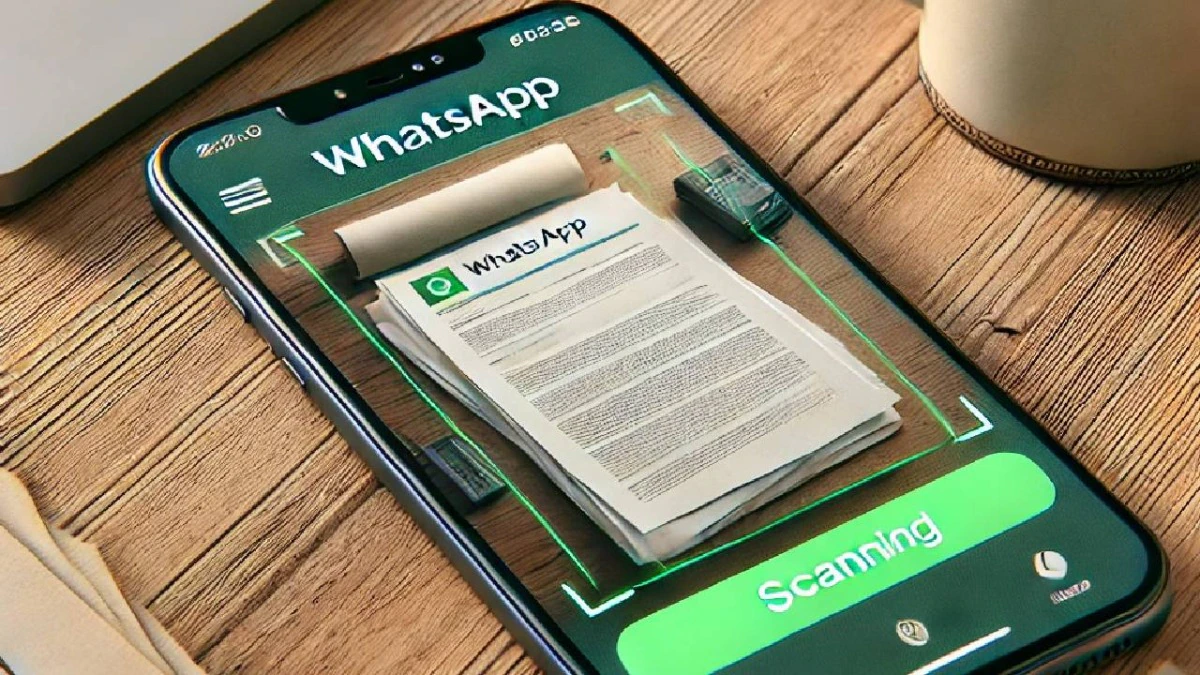
WhatsApp is introducing a built-in document scanning tool for Android, but it’s currently only available to users in the beta testing program. This new feature appears alongside options like “Browse Documents” and “Choose from Gallery” in the attachment section. When selected, it opens the camera so you can easily capture physical documents, receipts, or forms right within WhatsApp — without needing any extra apps.

The scanner includes both manual and automatic modes: you can either snap the photo yourself or let WhatsApp detect the document edges and capture it automatically. The scanned image is processed locally on your device and turned into a PDF, which you can share like any other file. As with all WhatsApp content, these files are protected with end-to-end encryption.

For now, this feature is only available to certain Android beta users (those on versions like 2.25.19.21 and 2.25.18.29), but it’s expected to roll out to all Android users soon once testing is complete and feedback is collected.


Disclaimer

We strive to uphold the highest ethical standards in all of our reporting and coverage. We StartupNews.fyi want to be transparent with our readers about any potential conflicts of interest that may arise in our work. It’s possible that some of the investors we feature may have connections to other businesses, including competitors or companies we write about. However, we want to assure our readers that this will not have any impact on the integrity or impartiality of our reporting. We are committed to delivering accurate, unbiased news and information to our audience, and we will continue to uphold our ethics and principles in all of our work. Thank you for your trust and support.

Popular

More Like this

WhatsApp Tests New In-App Document Scanner for Android Beta Users

WhatsApp is introducing a built-in document scanning tool for Android, but it’s currently only available to users in the beta testing program. This new feature appears alongside options like “Browse Documents” and “Choose from Gallery” in the attachment section. When selected, it opens the camera so you can easily capture physical documents, receipts, or forms right within WhatsApp — without needing any extra apps.

The scanner includes both manual and automatic modes: you can either snap the photo yourself or let WhatsApp detect the document edges and capture it automatically. The scanned image is processed locally on your device and turned into a PDF, which you can share like any other file. As with all WhatsApp content, these files are protected with end-to-end encryption.

For now, this feature is only available to certain Android beta users (those on versions like 2.25.19.21 and 2.25.18.29), but it’s expected to roll out to all Android users soon once testing is complete and feedback is collected.

Disclaimer

We strive to uphold the highest ethical standards in all of our reporting and coverage. We StartupNews.fyi want to be transparent with our readers about any potential conflicts of interest that may arise in our work. It’s possible that some of the investors we feature may have connections to other businesses, including competitors or companies we write about. However, we want to assure our readers that this will not have any impact on the integrity or impartiality of our reporting. We are committed to delivering accurate, unbiased news and information to our audience, and we will continue to uphold our ethics and principles in all of our work. Thank you for your trust and support.

Website Upgradation is going on for any glitch kindly connect at office@startupnews.fyi

More like this

iPhone 18 Pro: Six new features are coming next...

Next year’s iPhone 18 lineup will bring a...

On its 10th year anniversary FITTR joins Hands with...

Pune (Maharashtra) , December 23: Fittr, India’s leading...

Why Every Google Ads Account Needs To Run Scripts

Most PPC marketers love talking about automation, Smart...

Popular