
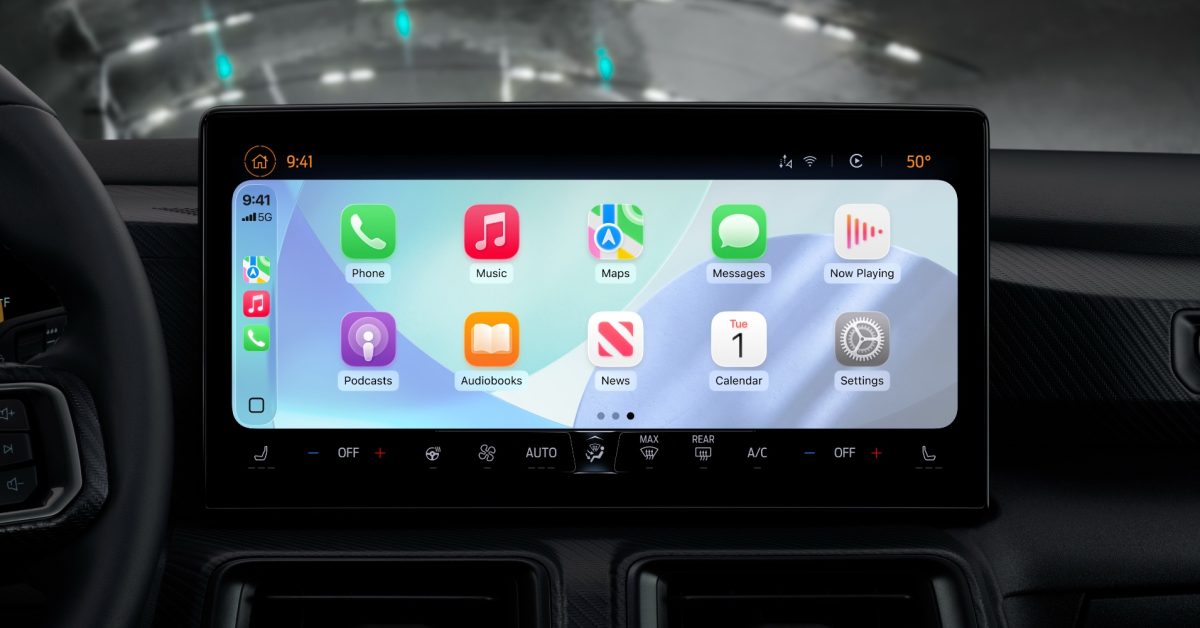
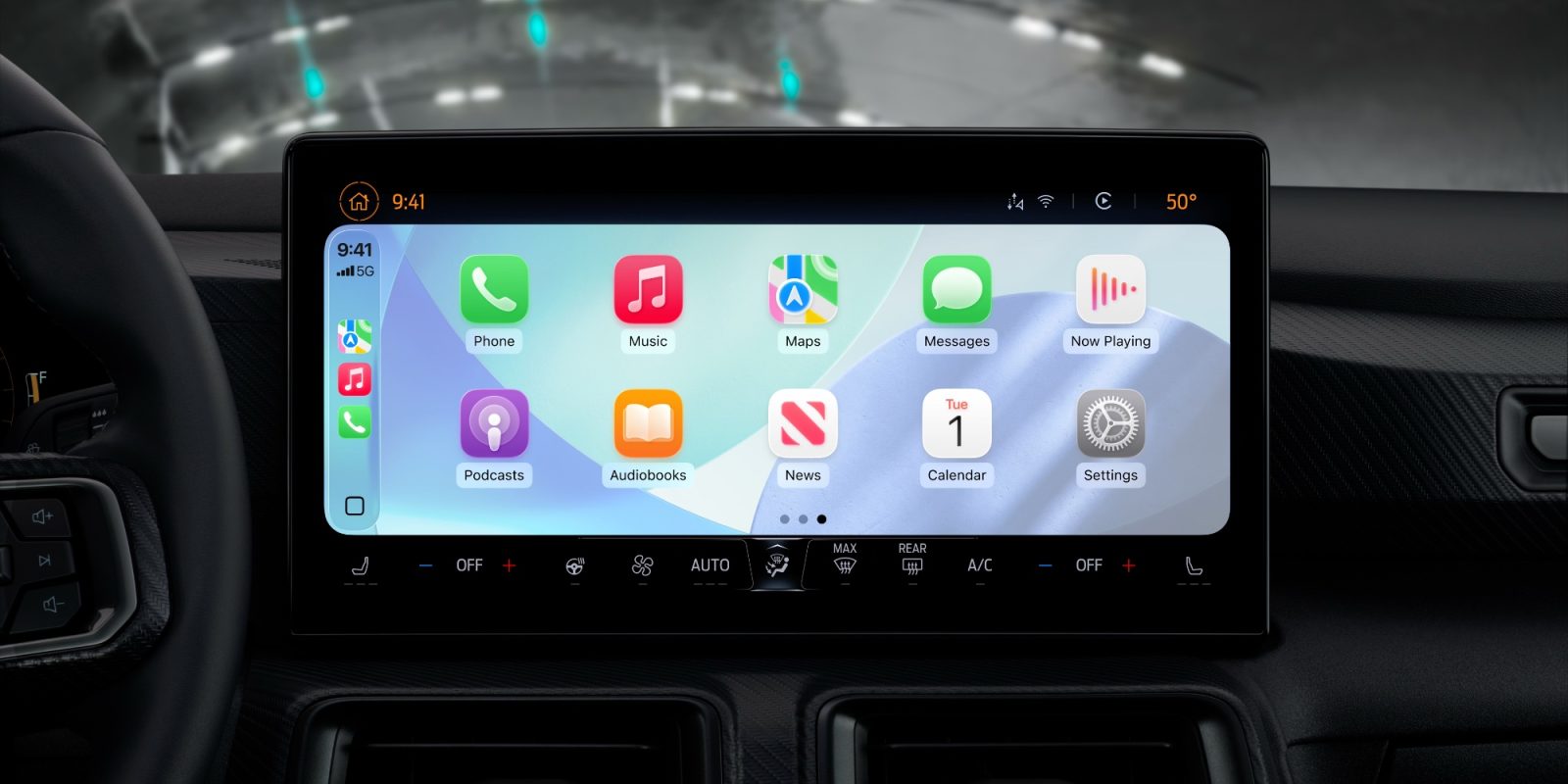
iOS 26 brings major changes to CarPlay, including a new Liquid Glass design and support for widgets.
There’s also a small change that addresses a years-long feature request for many CarPlay users: the ability to disable CarPlay screenshots.
For years, you’ve been able to take a screenshot of your CarPlay display by simply taking a screenshot on your iPhone. This feature can also be quite frustrating when your iPhone is connected to CarPlay and you only want to take a screenshot…


