
icture class=”e_wg” style=”padding-top:56.25%;aspect-ratio:2000 / 1125″>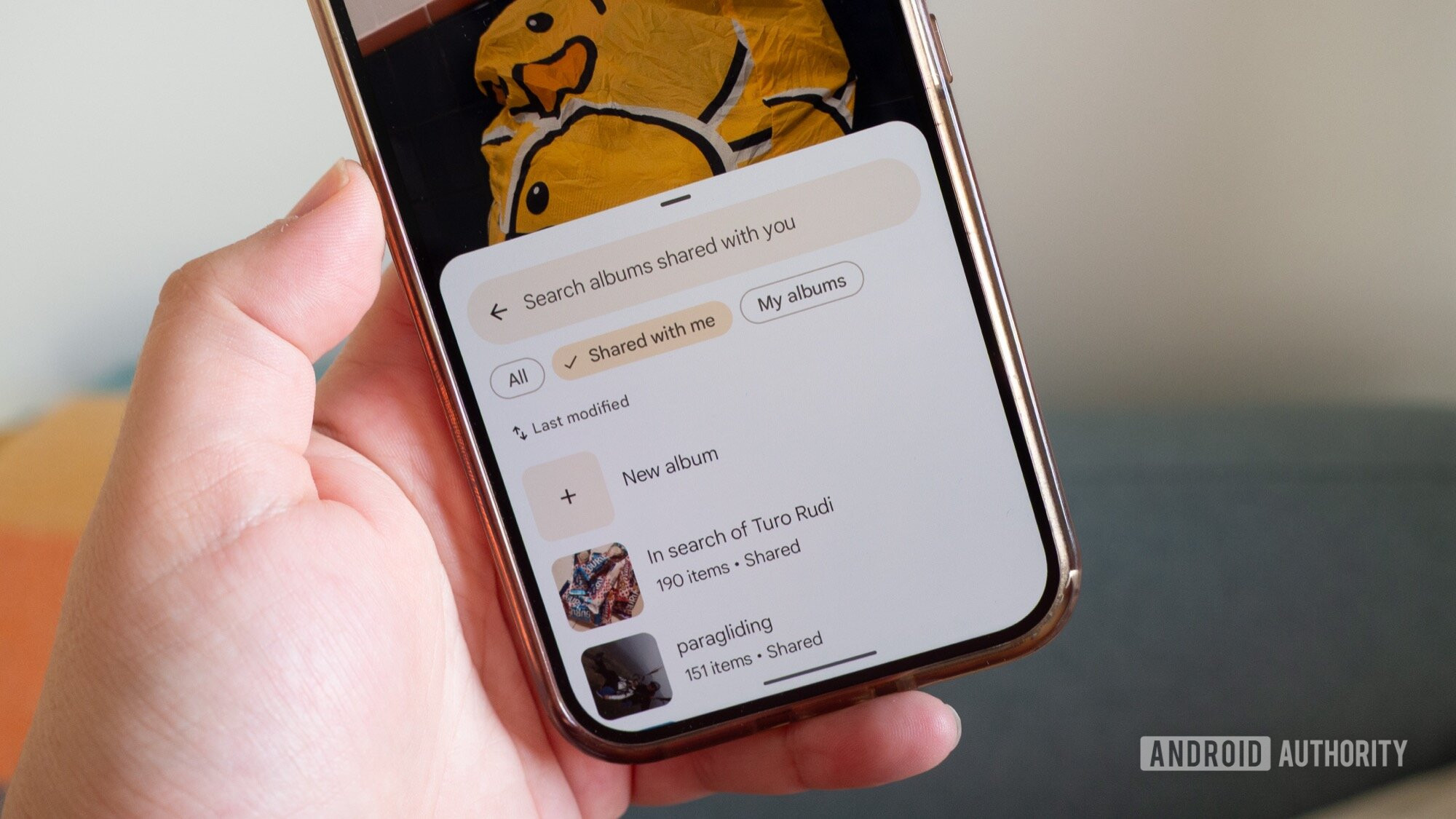
icture>
Rita El Khoury / Android Authority
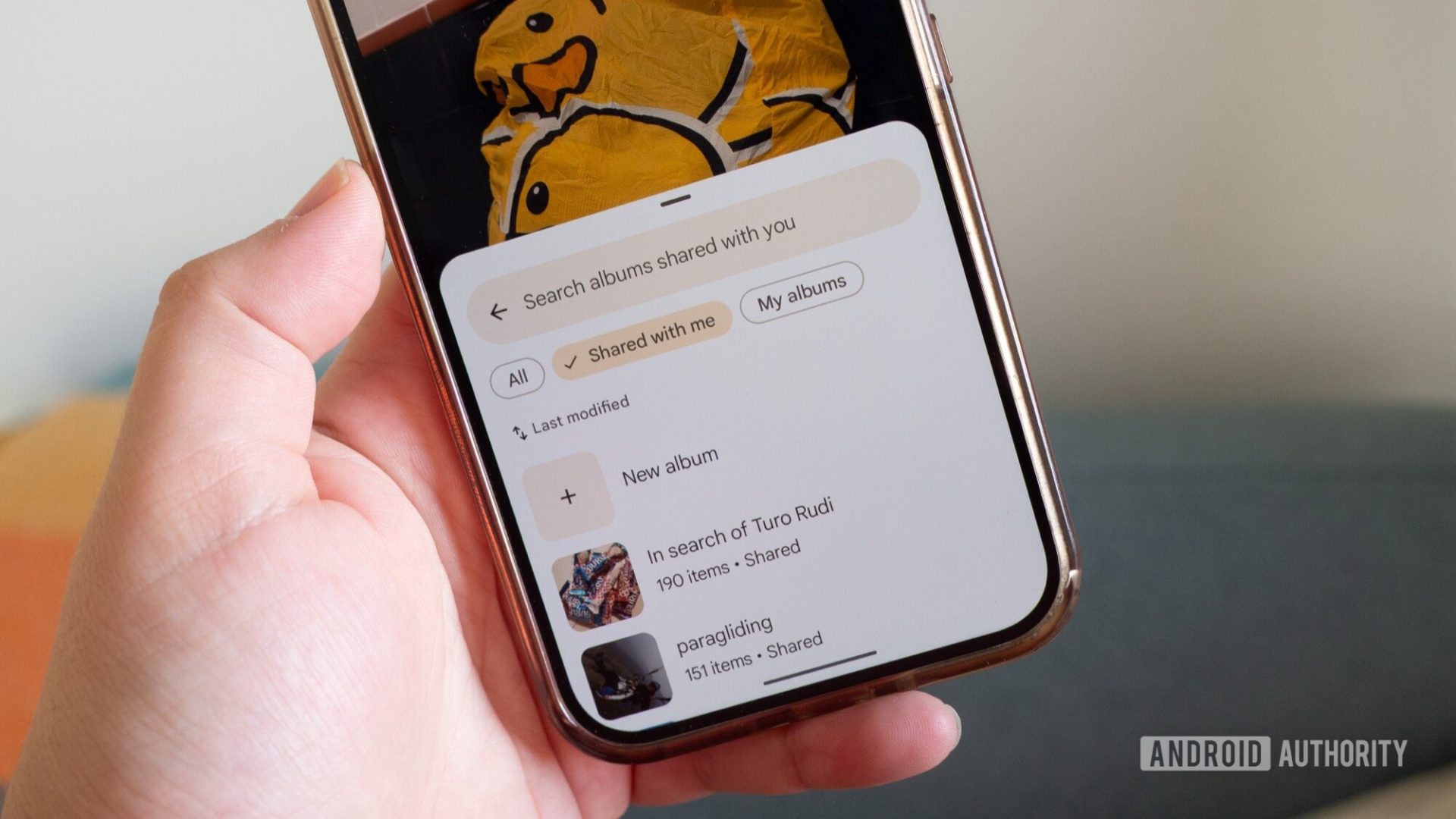
For the past few years, Google Photos has gone through a million redesigns. From a You tab to a Library tab to a Collections tab, a search bar to no search bar, a pull-up menu for options to an overflow ⋮ menu, and that awful new photo editor, it’s tough to keep up with whatever change Photos’ designers are testing or have settled on. But there’s one minor change that’s probably gone under the radar, and that has made my personal Photos experience so much…
Disclaimer
We strive to uphold the highest ethical standards in all of our reporting and coverage. We StartupNews.fyi want to be transparent with our readers about any potential conflicts of interest that may arise in our work. It’s possible that some of the investors we feature may have connections to other businesses, including competitors or companies we write about. However, we want to assure our readers that this will not have any impact on the integrity or impartiality of our reporting. We are committed to delivering accurate, unbiased news and information to our audience, and we will continue to uphold our ethics and principles in all of our work. Thank you for your trust and support.


