
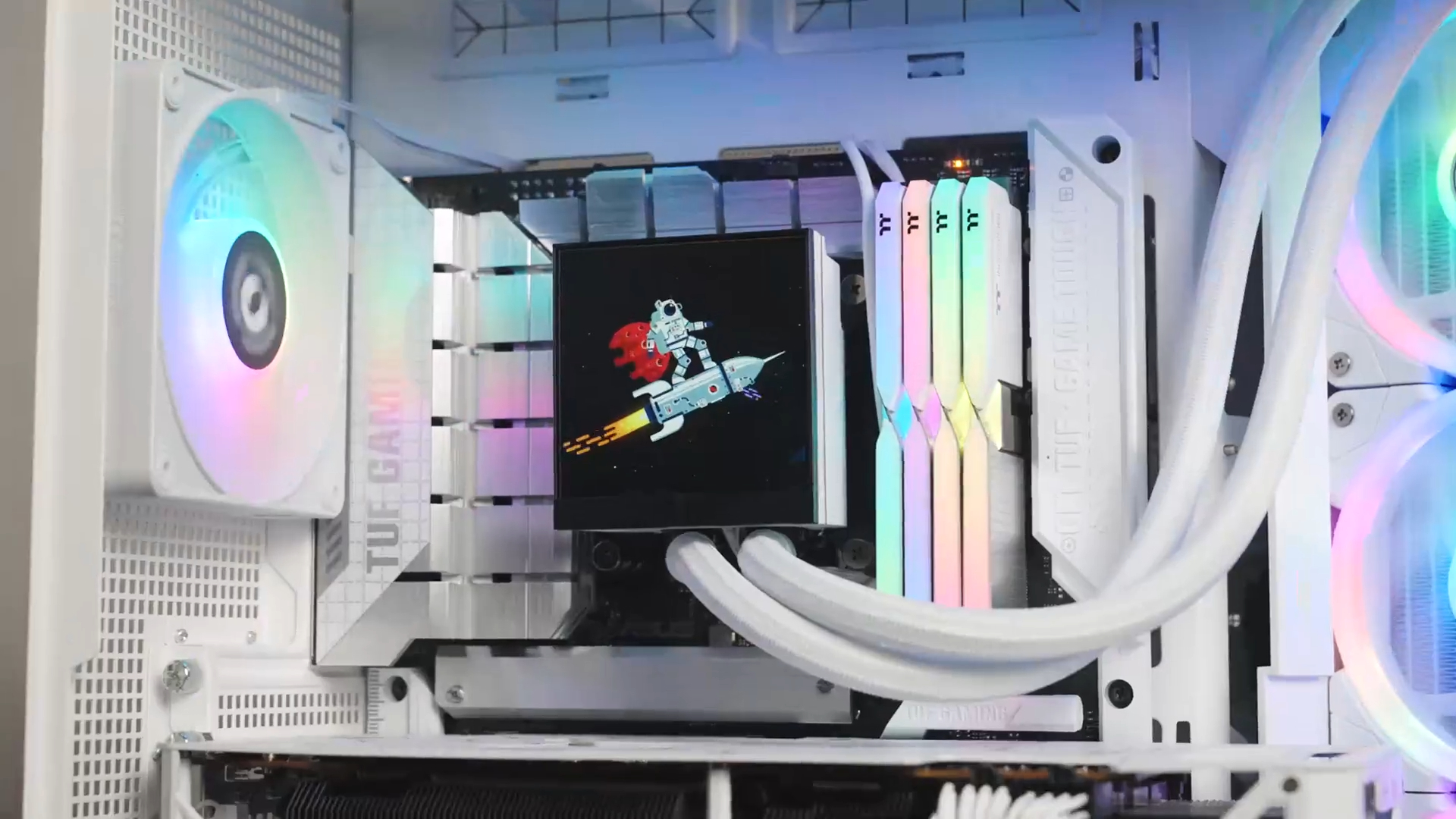
A few months ago, data-analytics-id=”inline-link” href=”https://www.tomshardware.com/tag/thermaltake” data-auto-tag-linker=”true” data-before-rewrite-localise=”https://www.tomshardware.com/tag/thermaltake”>Thermaltake data-analytics-id=”inline-link” href=”https://www.tomshardware.com/pc-components/liquid-cooling/thermaltakes-new-aio-liquid-cooler-features-a-3-95-inch-lcd-display-and-swappable-reverse-blade-fans” data-before-rewrite-localise=”https://www.tomshardware.com/pc-components/liquid-cooling/thermaltakes-new-aio-liquid-cooler-features-a-3-95-inch-lcd-display-and-swappable-reverse-blade-fans”>took the covers off its MagFloe Ultra lineup of all-in-one (AIO) liquid coolers that have a pretty neat-looking display, along with flagship specs. These coolers are controlled by the TT RGB Plus software that has a bunch of built-in animations for the 3.4-inch LCD on the pump. It can not only display images and videos, but also overlays the weather, time, and CPU/GPU telemetry data on top. Unfortunately, these elements are bound by certainty and lack imagination — and data-analytics-id=”inline-link” href=”https://www.techpowerup.com/341283/thermaltake-unveils-ai-forge-new-feature-within-tt-rgb-plus-3-0-software-for-magfloe-ultra-aio-lcd?amp” target=”_blank” data-url=”https://www.techpowerup.com/341283/thermaltake-unveils-ai-forge-new-feature-within-tt-rgb-plus-3-0-software-for-magfloe-ultra-aio-lcd?amp” referrerpolicy=”no-referrer-when-downgrade”…


