
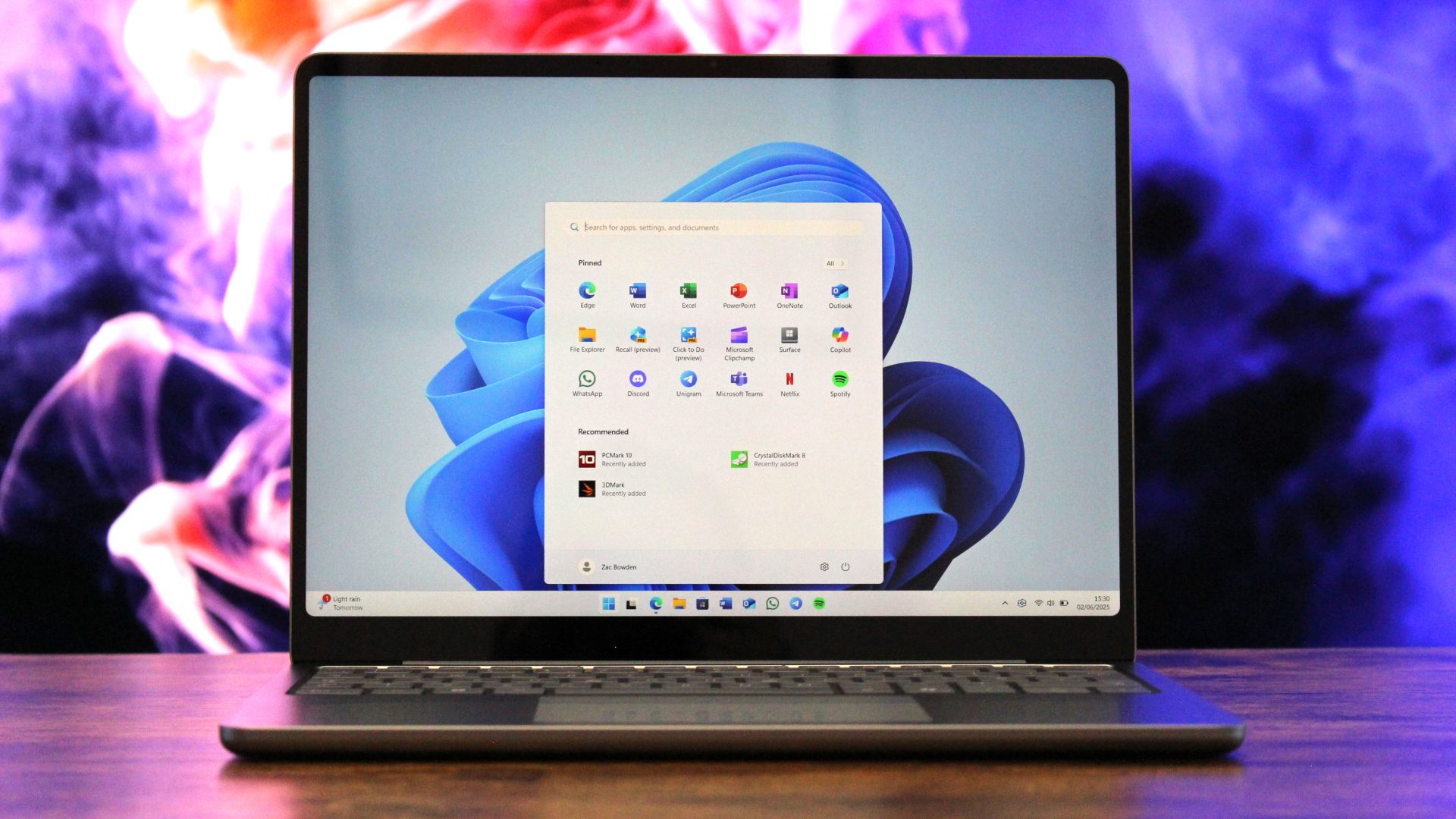
PowerToys is finally gaining the ability to data-analytics-id=”inline-link” href=”https://www.windowscentral.com/software-apps/windows-11-still-wont-auto-switch-between-light-and-dark-mode-but-microsofts-powertoys-will-next-month” data-before-rewrite-localise=”https://www.windowscentral.com/software-apps/windows-11-still-wont-auto-switch-between-light-and-dark-mode-but-microsofts-powertoys-will-next-month”>automatically switch your Windows theme and apps between light and dark mode based on the time of day on data-analytics-id=”inline-link” href=”https://www.windowscentral.com/microsoft/windows/windows-11″ data-url=”https://www.windowscentral.com/microsoft/windows/windows-11″ target=”_blank” referrerpolicy=”no-referrer-when-downgrade” data-hl-processed=”none” data-before-rewrite-redirect=”/windows-11″ data-before-rewrite-localise=”https://www.windowscentral.com/microsoft/windows/windows-11″>Windows 11, and now we have our first look at what the feature looks like within the PowerToys settings menu. In a data-analytics-id=”inline-link” href=”https://github.com/microsoft/PowerToys/pull/41987″ data-url=”https://github.com/microsoft/PowerToys/pull/41987″ target=”_blank” referrerpolicy=”no-referrer-when-downgrade” data-hl-processed=”none”>GitHub pull request, Microsoft has outlined the features and settings users will be able to configure.
The feature looks to have been very well thought out, with a nice UI that makes configuring when to switch between the two modes easy and…


