
icture class=”e_Tg” style=”padding-top:56.25%;aspect-ratio:2560 / 1440″>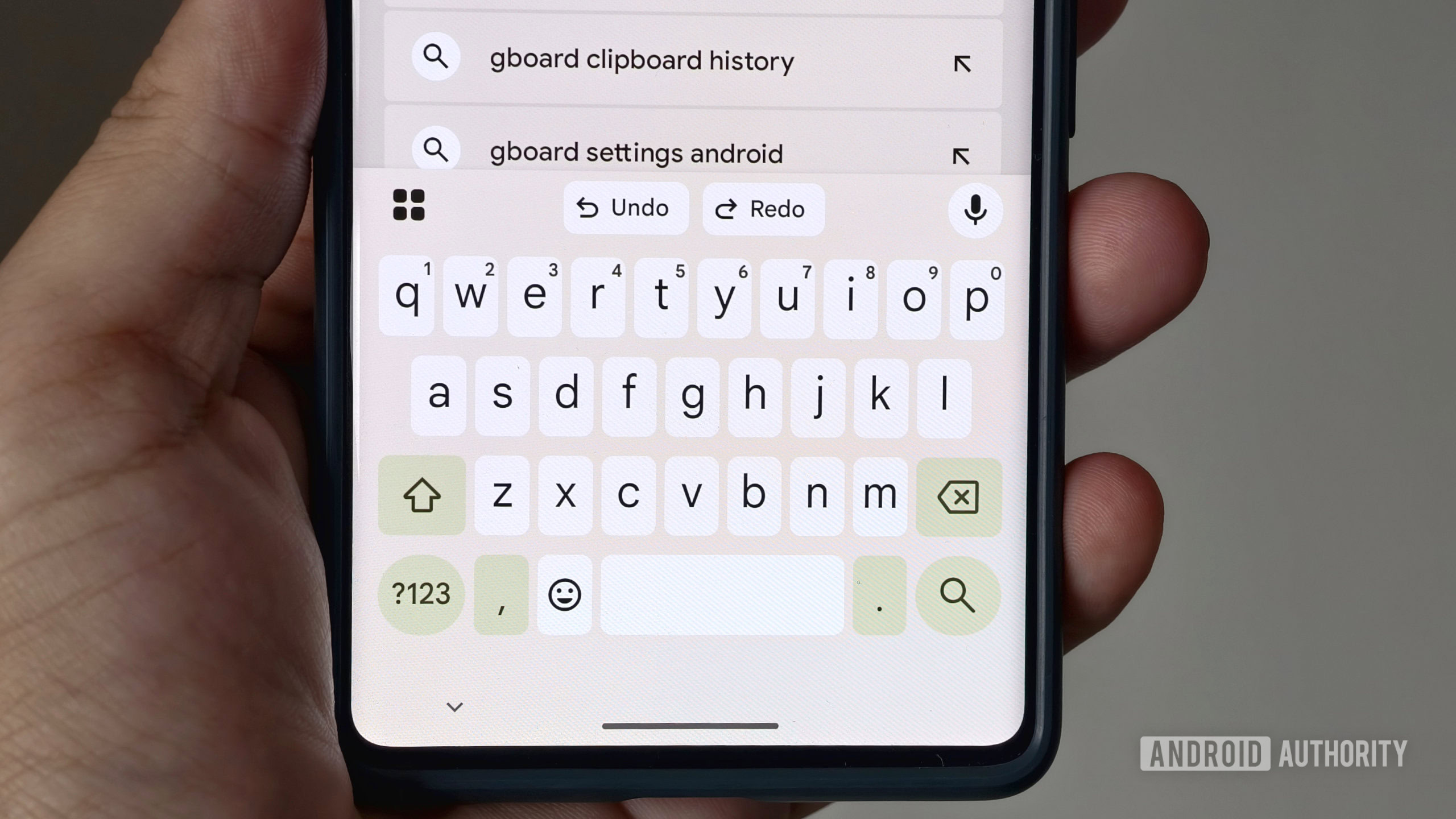
icture>
Hadlee Simons / Android Authority
TL;DR
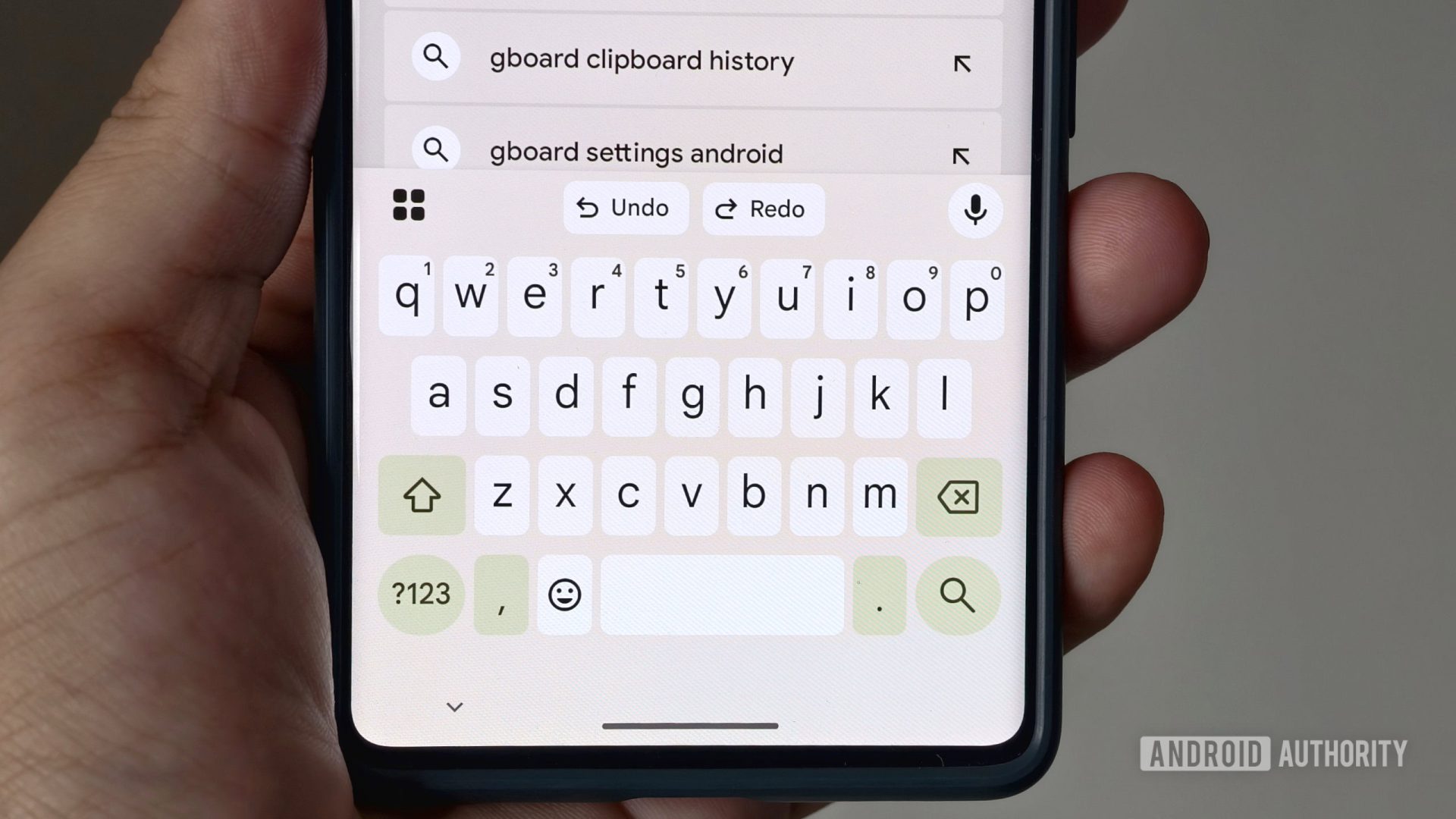
- Gboard is making it easier to spot and undo unwanted auto-corrections by highlighting any text it automatically changes.
- The new feature lets you see exactly which words were changed after you’ve finished typing a sentence.
- Tapping on a highlighted word reveals the original text as a suggestion, allowing you to quickly revert the correction with a single tap.
It’s significantly easier to make mistakes while typing on a smartphone than on a PC, which is why…
Disclaimer
We strive to uphold the highest ethical standards in all of our reporting and coverage. We StartupNews.fyi want to be transparent with our readers about any potential conflicts of interest that may arise in our work. It’s possible that some of the investors we feature may have connections to other businesses, including competitors or companies we write about. However, we want to assure our readers that this will not have any impact on the integrity or impartiality of our reporting. We are committed to delivering accurate, unbiased news and information to our audience, and we will continue to uphold our ethics and principles in all of our work. Thank you for your trust and support.


