
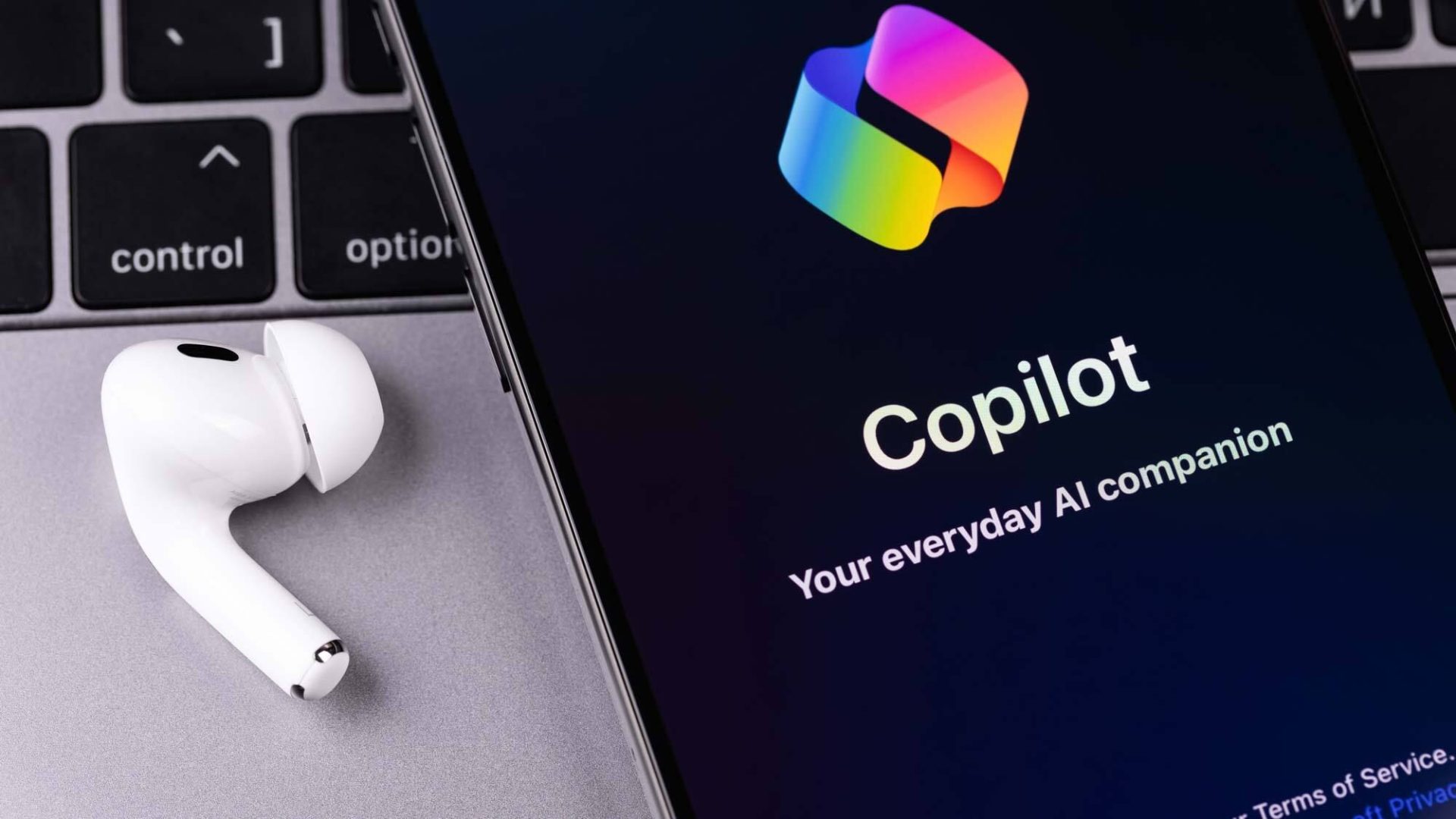
When Microsoft promised to make every Windows 11 PC an “AI PC,” I worried that the available AI features would be overwhelming. I already juggle data-analytics-id=”inline-link” href=”https://www.tomsguide.com/news/chatgpt” data-before-rewrite-localise=”https://www.tomsguide.com/news/chatgpt”>ChatGPT, data-analytics-id=”inline-link” href=”https://www.tomsguide.com/ai/google-gemini/google-gemini-everything-you-need-to-know” data-before-rewrite-localise=”https://www.tomsguide.com/ai/google-gemini/google-gemini-everything-you-need-to-know”>Gemini, data-analytics-id=”inline-link” href=”https://www.tomsguide.com/ai/claude-just-unlocked-memory-that-syncs-with-chatgpt-heres-how-it-works” data-before-rewrite-localise=”https://www.tomsguide.com/ai/claude-just-unlocked-memory-that-syncs-with-chatgpt-heres-how-it-works”>Claude and a handful of other data-analytics-id=”inline-link” href=”https://www.tomsguide.com/ai/i-used-every-major-ai-assistant-for-one-week-heres-the-one-id-actually-keep-using” data-before-rewrite-localise=”https://www.tomsguide.com/ai/i-used-every-major-ai-assistant-for-one-week-heres-the-one-id-actually-keep-using”>AI assistants across my browser tabs, so I wondered what could my operating system possibly offer that’s different?
Turns out, Microsoft’s AI offers a lot. After spending time with the AI tools that are already baked into standard Windows 11, I’ve come away impressed. The thoughtful updates are intuitive…


