

iOS 26 is a huge update for iPhone, with a Liquid Glass design and lots of new features for built-in apps like Wallet, Messages, and Music. One popular app—Apple Calendar—mostly got overlooked this year, but it did gain one key new advantage: event creation via screenshots.
Adding Calendar events is now as easy as taking a screenshot
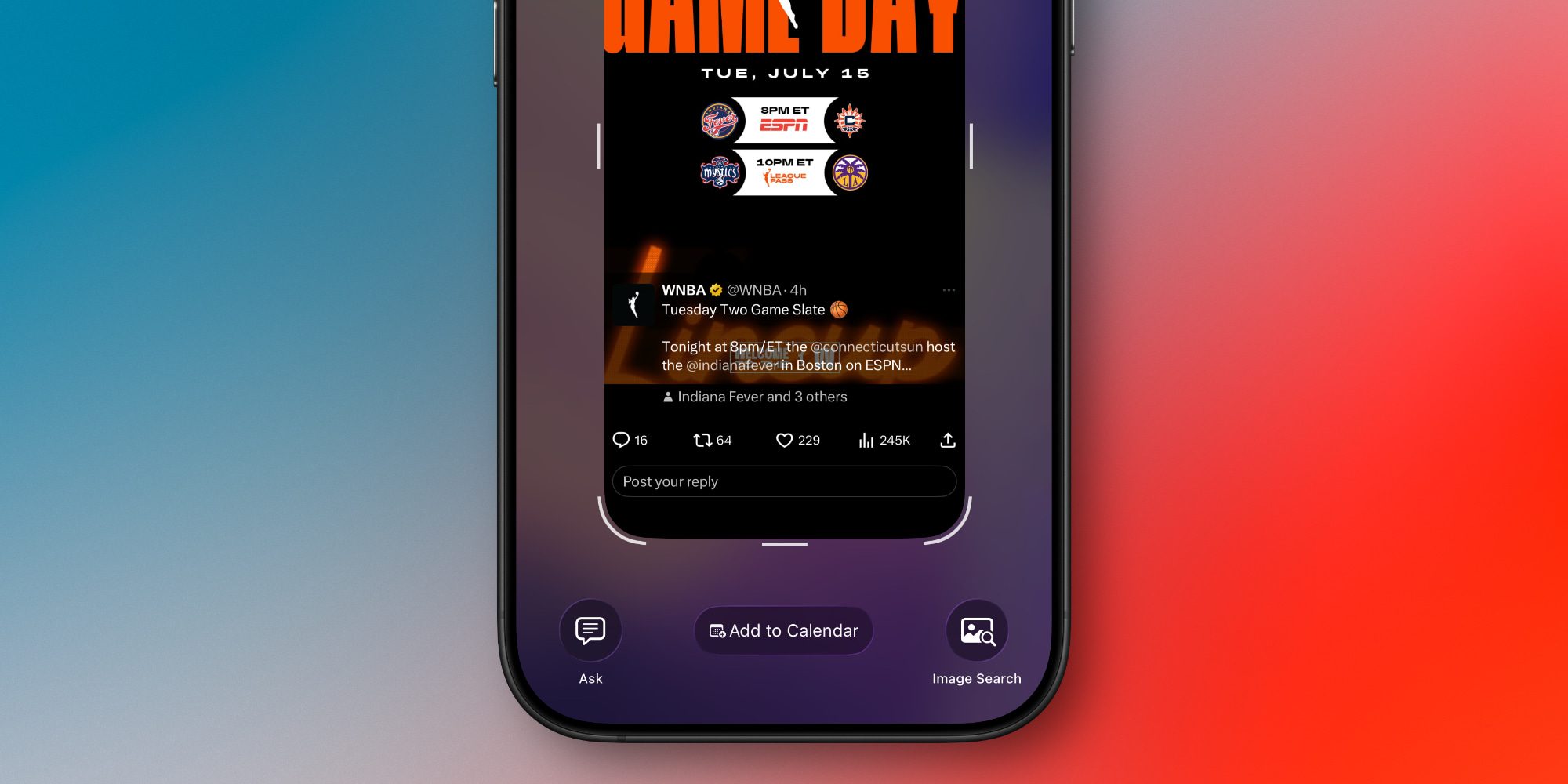
If you’ve used iOS 26 very much, you may have noticed that it changes the default behavior for screenshots.
Rather than screenshots…


