

icture class=”e_ig” style=”padding-top:56.25%;aspect-ratio:2560 / 1440″>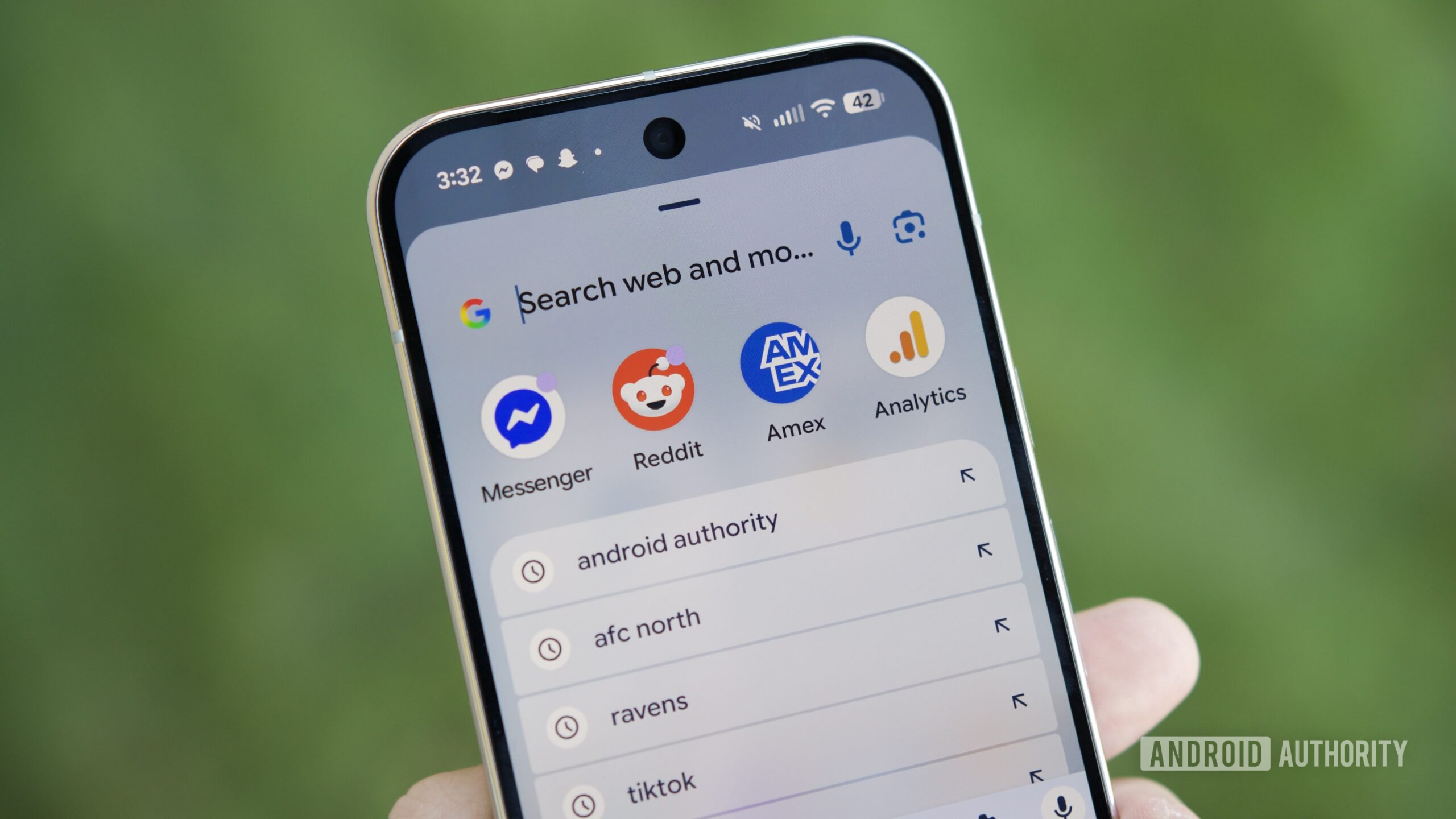
icture>
Joe Maring / Android Authority
TL;DR
- A recent Pixel update changed the home screen search bar behavior, but you can revert it with a workaround.
- The change forces the search bar to open the standard Google Search UI rather than the Pixel Launcher’s unified search.
- By using ADB to toggle a specific launcher flag, you can force the device to return to the old unified search experience.
Google constantly experiments with new ways to improve its products, but like all experiments, results vary. In a…
Disclaimer
We strive to uphold the highest ethical standards in all of our reporting and coverage. We StartupNews.fyi want to be transparent with our readers about any potential conflicts of interest that may arise in our work. It’s possible that some of the investors we feature may have connections to other businesses, including competitors or companies we write about. However, we want to assure our readers that this will not have any impact on the integrity or impartiality of our reporting. We are committed to delivering accurate, unbiased news and information to our audience, and we will continue to uphold our ethics and principles in all of our work. Thank you for your trust and support.


