
icture class=”e_7g” style=”padding-top:56.25%;aspect-ratio:1920 / 1080″>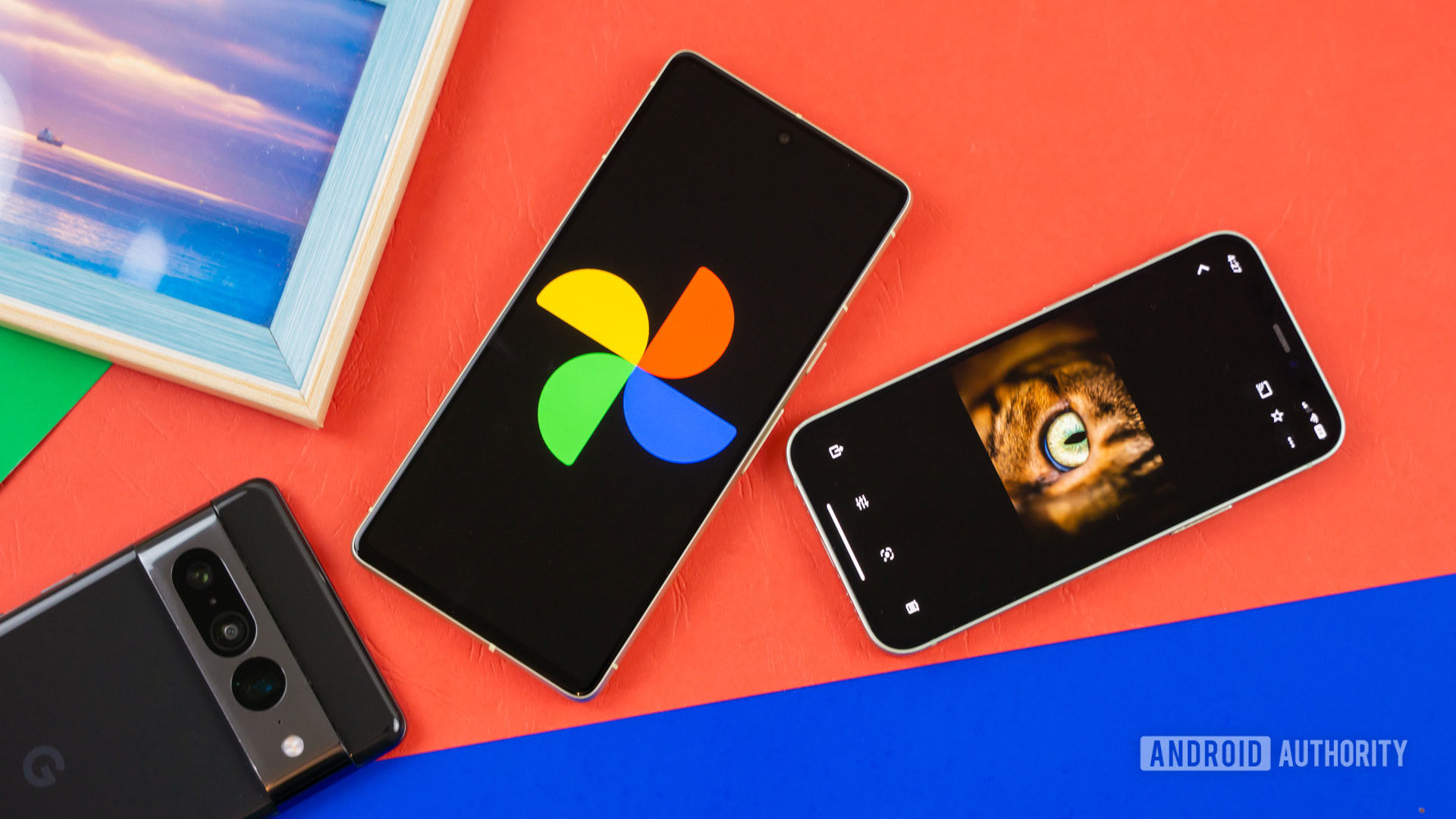
icture>
Edgar Cervantes / Android Authority
TL;DR
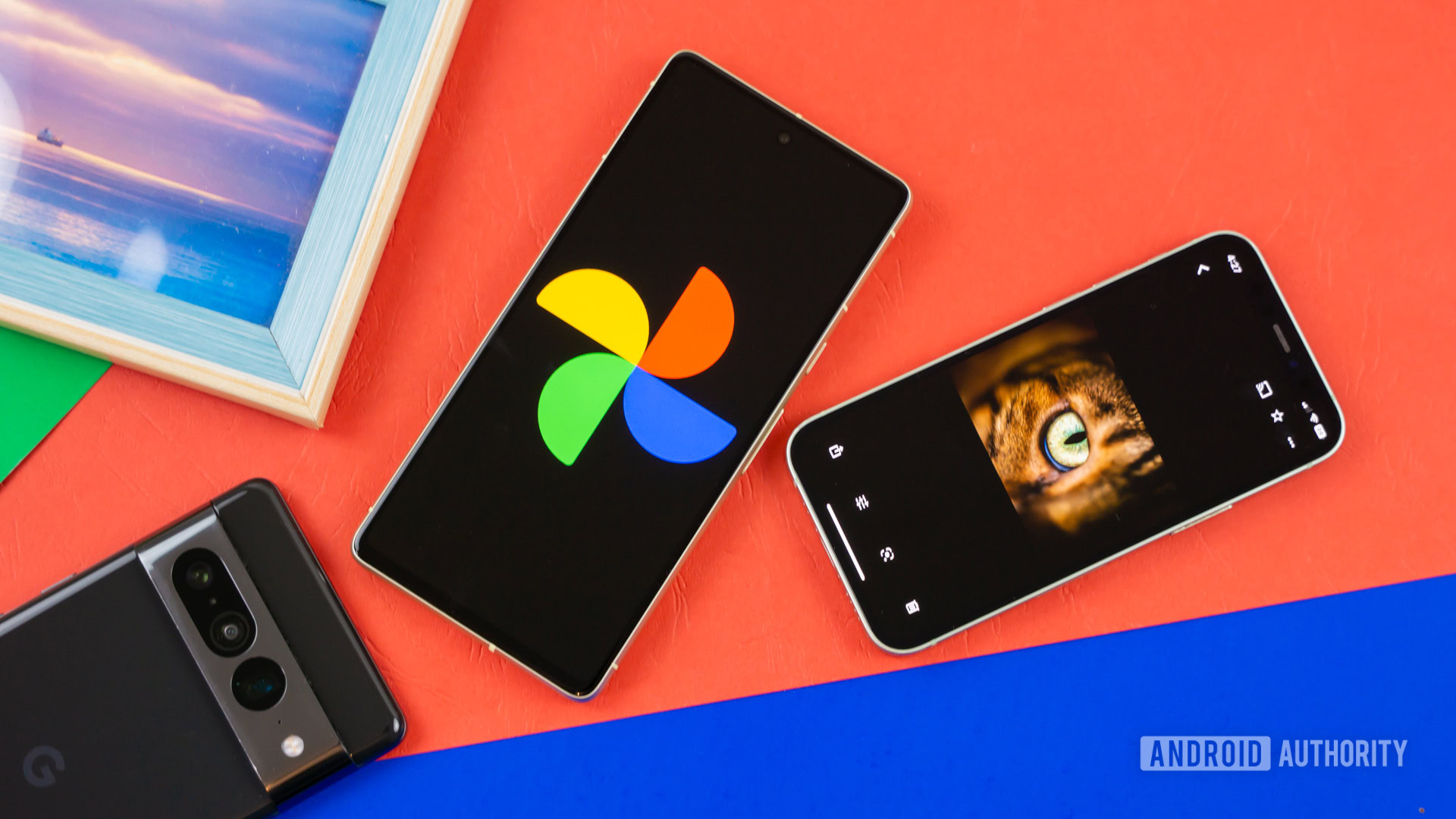
- The Google Photos collage editor has been redesigned for greater flexibility and ease of use.
- You can now add or remove photos, switch layouts mid-edit, and share directly to other apps.
- The update is rolling out now, following changes we first spotted in an earlier APK teardown.
Collages have always been one of the easiest ways to relive a great trip or event, but the Google Photos tool for making them has long been a little too rigid. If you picked the wrong…
Disclaimer
We strive to uphold the highest ethical standards in all of our reporting and coverage. We StartupNews.fyi want to be transparent with our readers about any potential conflicts of interest that may arise in our work. It’s possible that some of the investors we feature may have connections to other businesses, including competitors or companies we write about. However, we want to assure our readers that this will not have any impact on the integrity or impartiality of our reporting. We are committed to delivering accurate, unbiased news and information to our audience, and we will continue to uphold our ethics and principles in all of our work. Thank you for your trust and support.


