
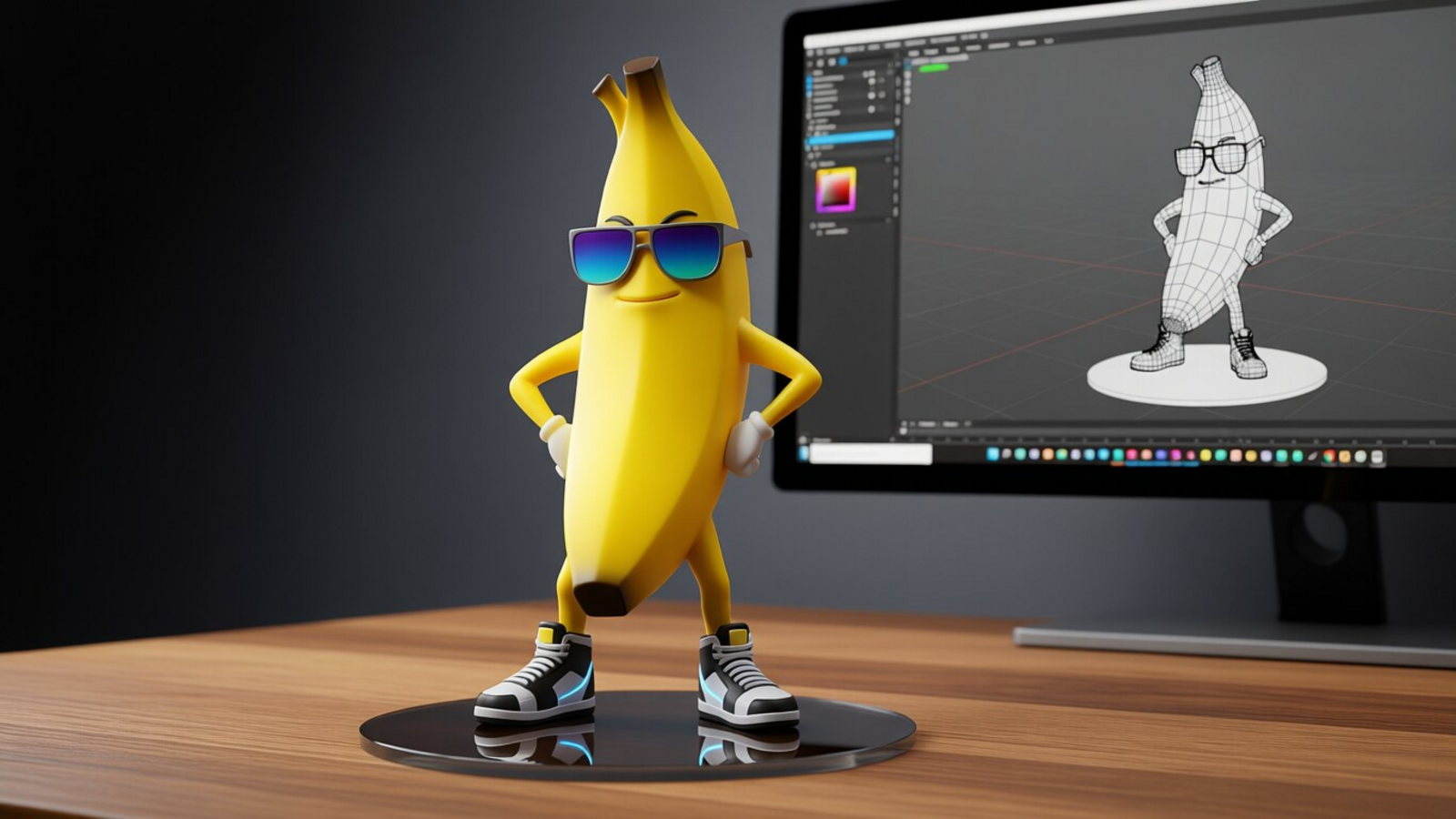
Google has rolled out its latest AI-powered image editing feature, Nano Banana, in Search, allowing users to instantly transform photos through Lens and AI Mode. The announcement came via the company’s official X account on 16 October, alongside a detailed guide to help users get started.
How to use the Google Lens to create AI-portraits using Gemini Nano Banana
To use the new feature, users need to open Lens in the Google app on class=”backlink” target=”_blank” href=”https://www.livemint.com/technology/tech-news/gemini-nano-banana-app-can-turn-your-photos-into-anime-characters-scenes-and-manga-google-explains-how-11760168290631.html” data-vars-page-type=”story” data-vars-link-type=”Manual” data-vars-anchor-text=”Android”>Android or iOS. The newly introduced ‘Create’ mode is marked by a yellow banana icon 🍌. Users can try suggested…


