

icture class=”e_Yg” style=”padding-top:56.25%;aspect-ratio:2000 / 1125″>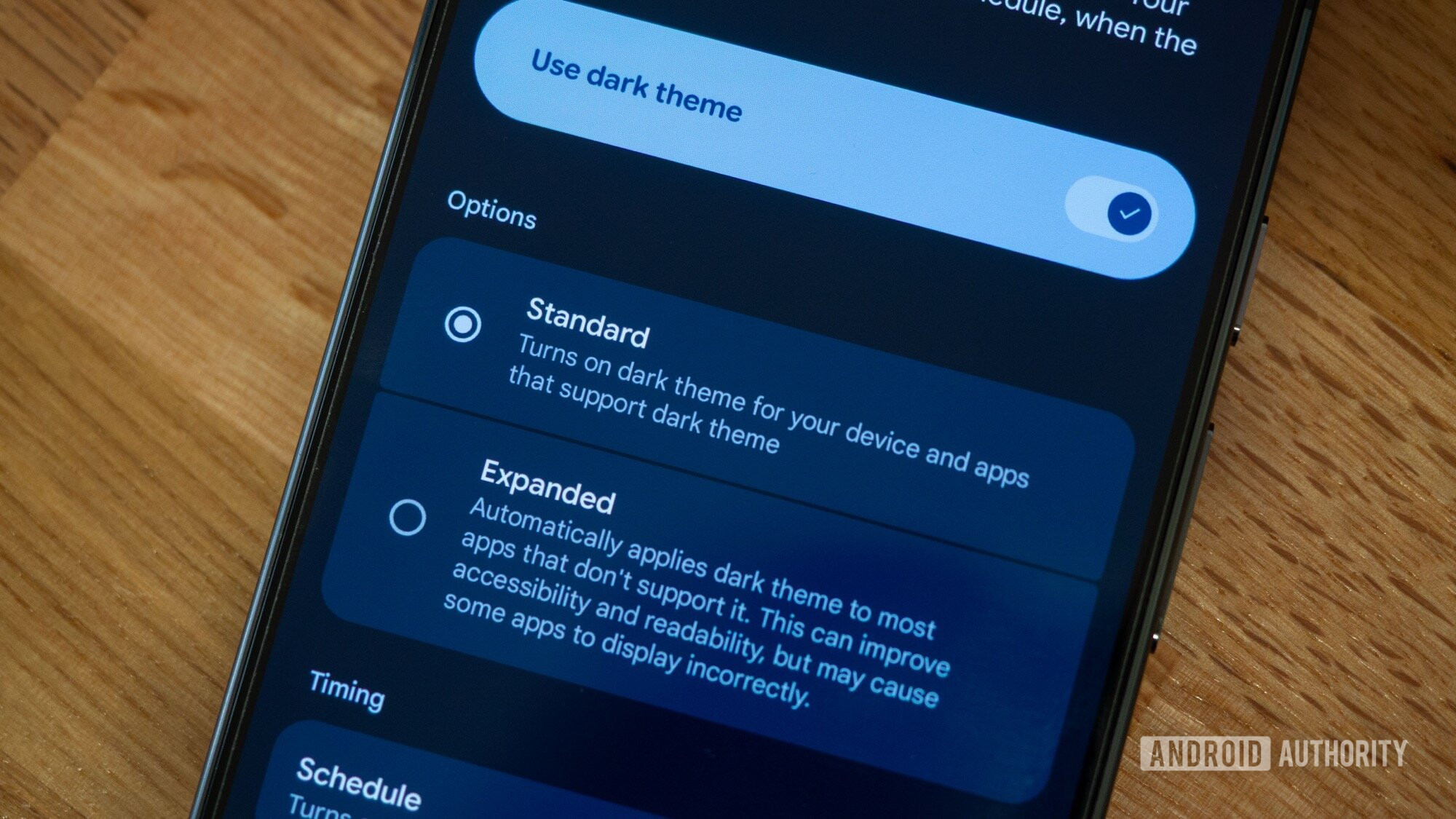
icture>
Rita El Khoury / Android Authority
With Android QPR2, which started rolling out a few days ago in early December, Google is bringing a slew of cool new features to Android — specifically its Pixel phones. One of these is a feature I’m sure many of you have been praying for: a forced dark mode that applies to most apps, even if they don’t support a dark mode out of the box.
The new feature is called Expanded dark mode, and here’s how you can enable it on your Pixel phone as well as a few examples…
Disclaimer
We strive to uphold the highest ethical standards in all of our reporting and coverage. We StartupNews.fyi want to be transparent with our readers about any potential conflicts of interest that may arise in our work. It’s possible that some of the investors we feature may have connections to other businesses, including competitors or companies we write about. However, we want to assure our readers that this will not have any impact on the integrity or impartiality of our reporting. We are committed to delivering accurate, unbiased news and information to our audience, and we will continue to uphold our ethics and principles in all of our work. Thank you for your trust and support.


