

icture class=”e_ig” style=”padding-top:56.25%;aspect-ratio:2000 / 1125″>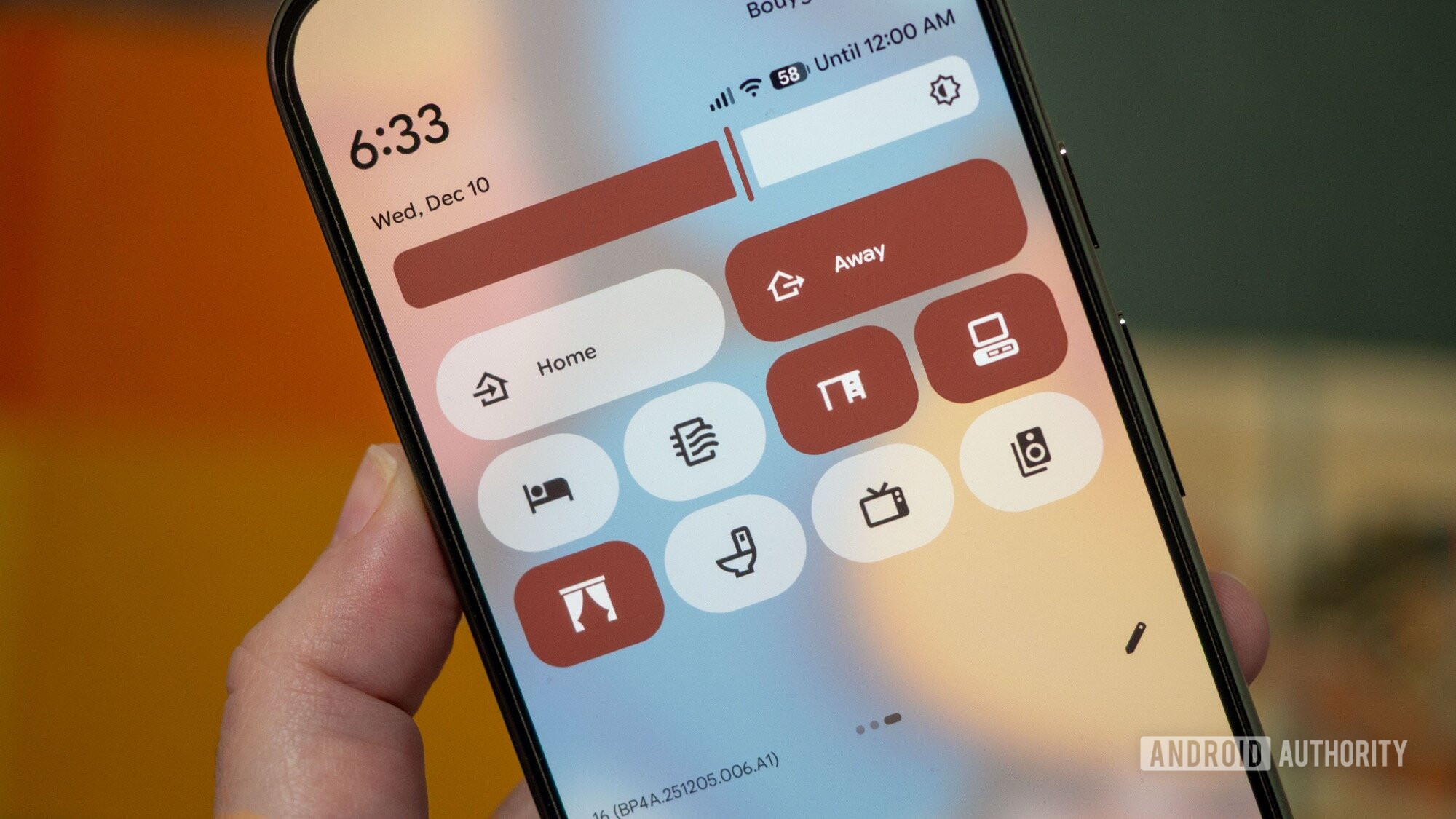
icture>
Rita El Khoury / Android Authority
Android 16’s first major update made me fall back in love with Quick Settings. After Android 12 took away the smaller toggles and switched to the large pill-shaped buttons in the name of Material You, I started using Quick Settings less and less. See, any time a button is hidden away from my eyes and requires more than one or two swipes or taps, I just forget it exists. And this is what happened for me with Quick Settings on Android 12 to 15; I set up the ones I used…
Disclaimer
We strive to uphold the highest ethical standards in all of our reporting and coverage. We StartupNews.fyi want to be transparent with our readers about any potential conflicts of interest that may arise in our work. It’s possible that some of the investors we feature may have connections to other businesses, including competitors or companies we write about. However, we want to assure our readers that this will not have any impact on the integrity or impartiality of our reporting. We are committed to delivering accurate, unbiased news and information to our audience, and we will continue to uphold our ethics and principles in all of our work. Thank you for your trust and support.


