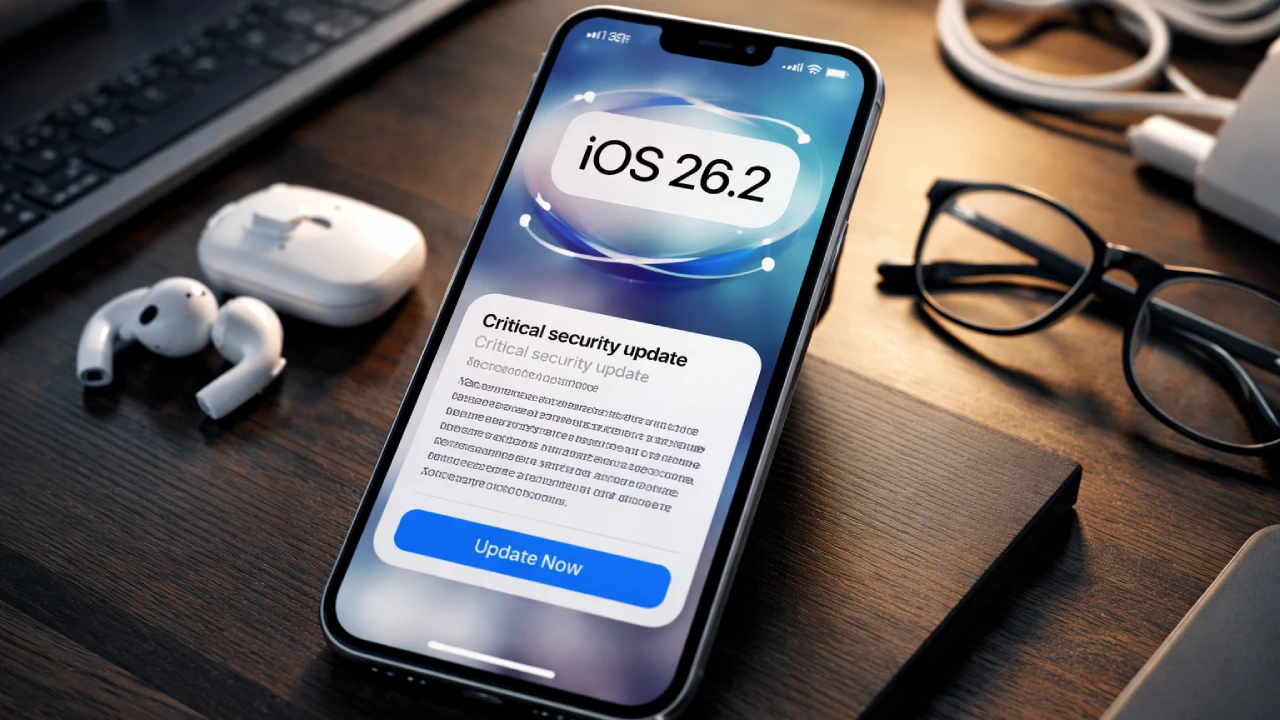
Apple is urging iPhone users to update their devices to iOS 26.2 immediately after a critical security patch was issued for WebKit vulnerabilities exploited by mercenary spyware. The vulnerabilities, which impacted iPhone 11 and newer models, had been actively targeted by malicious actors, leading Apple to push iOS 26+ as the only effective defense. The update is crucial, not only to prevent further exploitation but also to enhance the device’s defenses with features like Memory Integrity Enforcement.
WebKit, the browser engine behind Safari and several other iOS applications, was the source of these vulnerabilities. They allowed attackers to execute arbitrary code, potentially compromising iPhones even when users visited seemingly innocent websites. These vulnerabilities have already been weaponized in real‑world attacks, notably targeting diplomats, journalists, and executives—a reminder that everyone is at risk.
Why Updating and Restarting Matters
Upgrading to iOS 26.2 is the only way to access the fixes Apple has deployed for these vulnerabilities. Without this update, your device remains exposed to future exploits. The update is also paired with an essential step: restarting your device. Restarting flushes any malware that may reside in memory, effectively reducing the risk of persistent threats.
While iOS updates are always recommended, this particular release is especially vital as it addresses active threats. Malware often depends on the failure to restart devices, as memory-resident malware relies on remaining undetected in the device’s RAM. For the best protection, Apple also recommends enabling Automatic Updates, which ensures you are always running the latest security patches.
Slow Adoption Rates Highlight the Urgency
As of January 2026, only about 16% of active iPhones are running any version of iOS 26, with only 4.6% on iOS 26.2. This slow adoption rate increases the urgency of the update, especially considering the increasing sophistication of mobile threats. Users who delay updates are leaving themselves open to a growing list of vulnerabilities.
Steps to Update Your iPhone
To check if your device is up to date, follow these steps:
- Open Settings on your iPhone.
- Navigate to General > Software Update.
- If an update is available, follow the on‑screen instructions to install it.
- After the update installs, restart your device.
Apple also encourages users to restart their devices regularly to flush out any residual malware that may have evaded earlier defenses.
Additional Security Tips
For enhanced security, consider using Apple’s Lockdown Mode, which provides an extra layer of protection for users who may be particularly vulnerable to targeted attacks. Additionally, avoid opening unsolicited links or attachments, and always verify suspicious communications through trusted channels.
As cybersecurity threats continue to evolve, staying vigilant and proactive in maintaining your iPhone’s security is essential. By updating your device, restarting it, and following basic safety practices, you can significantly reduce the risk of malware and other security threats.