
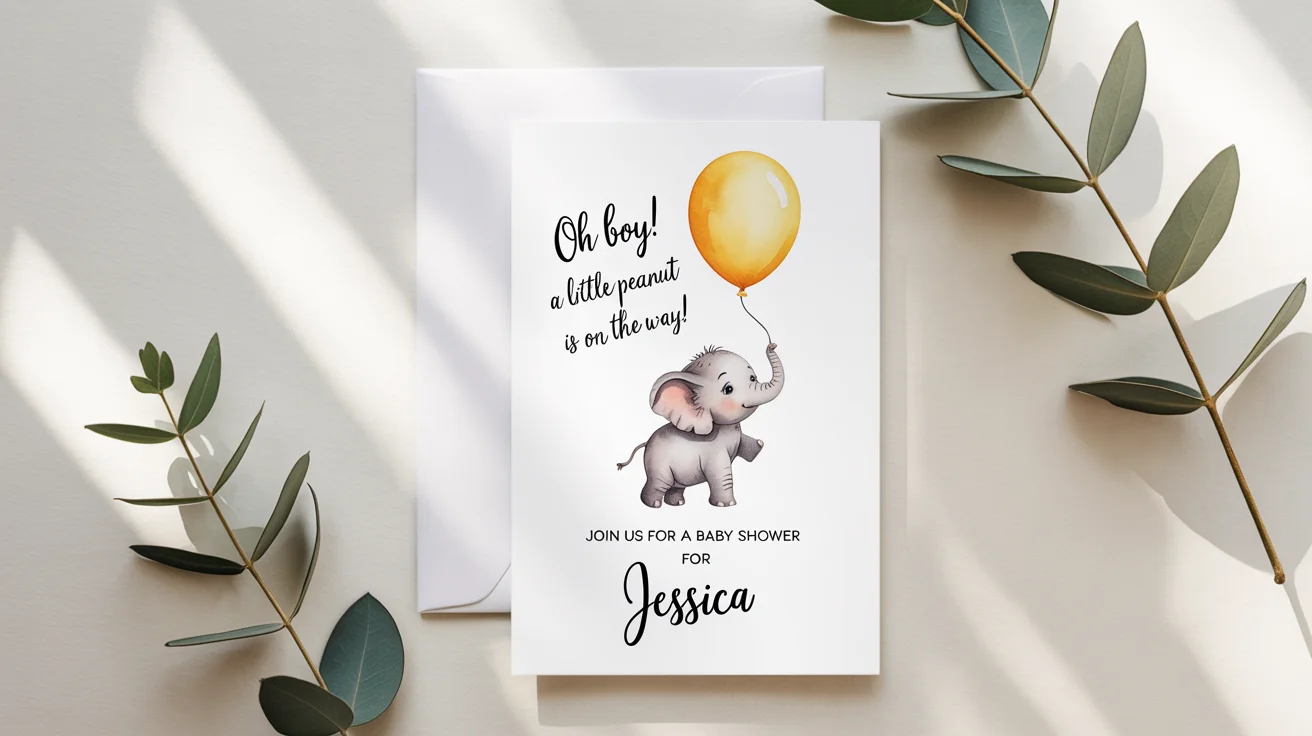
Planning a baby shower is a beautiful experience, but I must admit that it’s also an expensive one. By the time you add up the cost of food, drinks, decorations, and the cake, your budget can already feel stretched.
Invitations might seem like a small detail, but professionally designed ones can cost more than you expect. That’s why I’m a huge advocate for the DIY route. When you design baby shower invitations on your own, you’re reducing costs without sacrificing style.
And the good news is, you don’t need any graphic design experience to do it. In this guide, I’ll show you exactly how to design baby shower invitations step by step.
6 Easy Steps to Design Baby Shower Invitations
Here’s a simple guide to help you design baby shower invitations that your guests will want to save as keepsakes:
1. Pick a Baby Shower Theme and Style
Before you design baby shower invitations, you need to think of a theme that suits either the parents’ personality or the baby’s gender (if known). It can even be a popular cartoon like Winnie the Pooh, Paw Patrol, or Superman.
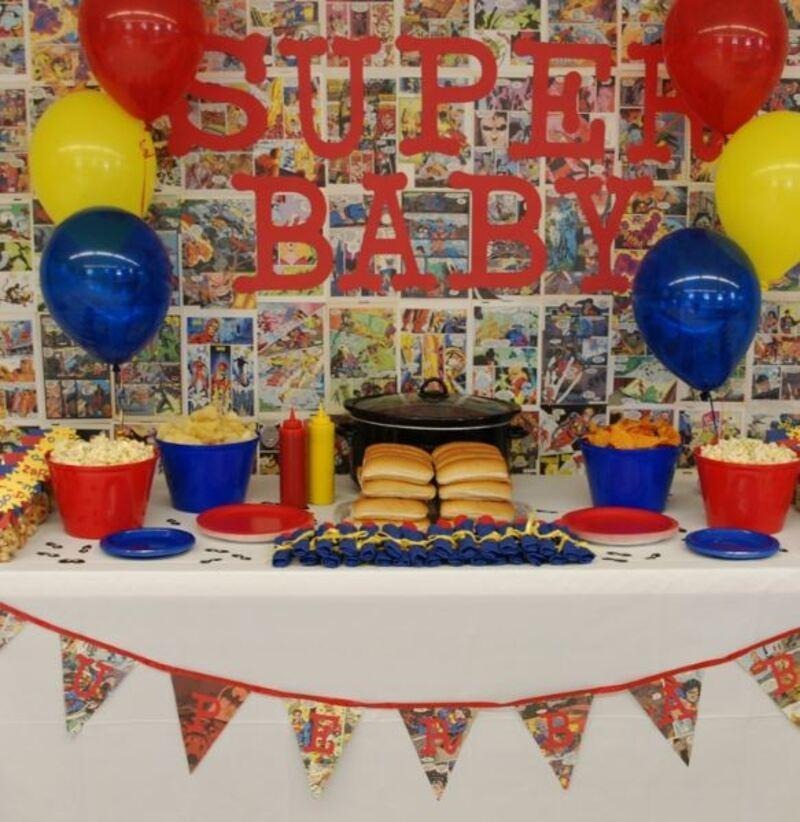
Image via Pinterest
After that, pick two to three main colors to keep the invitation design cohesive. You can use the classic gender reveal blue and pink, or a neutral gender color combination like beige, white, and gray. However, the colors should rhyme with the theme you choose.
Selecting a theme is the first and most important step when learning how to design baby shower invitations. It sets the tone for the colors and overall vibe of the occasion.
2. Find a Design Tool
This is the part where many people get stuck. However, technology has simplified many expert tasks today. You don’t necessarily need design training or a big budget to create high-end baby shower invitations. Here are three online design tools you can use:
Adobe Express
This beginner-friendly tool provides free access to thousands of stunning templates to design baby shower invitations. You can upload your own photos as well as access stock photos and icons to personalize your designs.
Adobe Express is a great option if you want attractive baby shower invitations with minimal effort and a more “designer-made” feel.
Canva
It’s one of the most widely used tools to design baby shower invitations. It offers an extensive library of baby shower templates in different styles. The platform also has AI design tools for generating images and text.
Canva is ideal if you want flexibility, lots of design choices, and a beginner-friendly tool that works for almost any invitation style.
DocHipo
DocHipo is a cloud-based design tool, offering a library of invitation templates organized by occasion, industry, and format. One advantage of DocHipo is its variety of AI tools, such as background remover and image generator.
DocHipo works well if you’re comfortable customizing general-purpose templates and want a simple tool that adapts to different invitation formats.
Online tools like Adobe Express, Canva, and DocHipo are made specifically for beginners, so you don’t have to figure out anything technical. They also have free versions you can start using immediately.
The key is to pick a platform that feels comfortable to you. Once you do, the rest of the process becomes much easier.
3. Select and Customize a Template
Templates make it possible to design baby shower invitations without design skills. Instead of starting from a blank page, you’re working with a layout that already looks good.
Open your preferred design tool and search for “baby shower templates.” Choose one that matches your theme and doesn’t feel overcrowded. Here are some template examples:
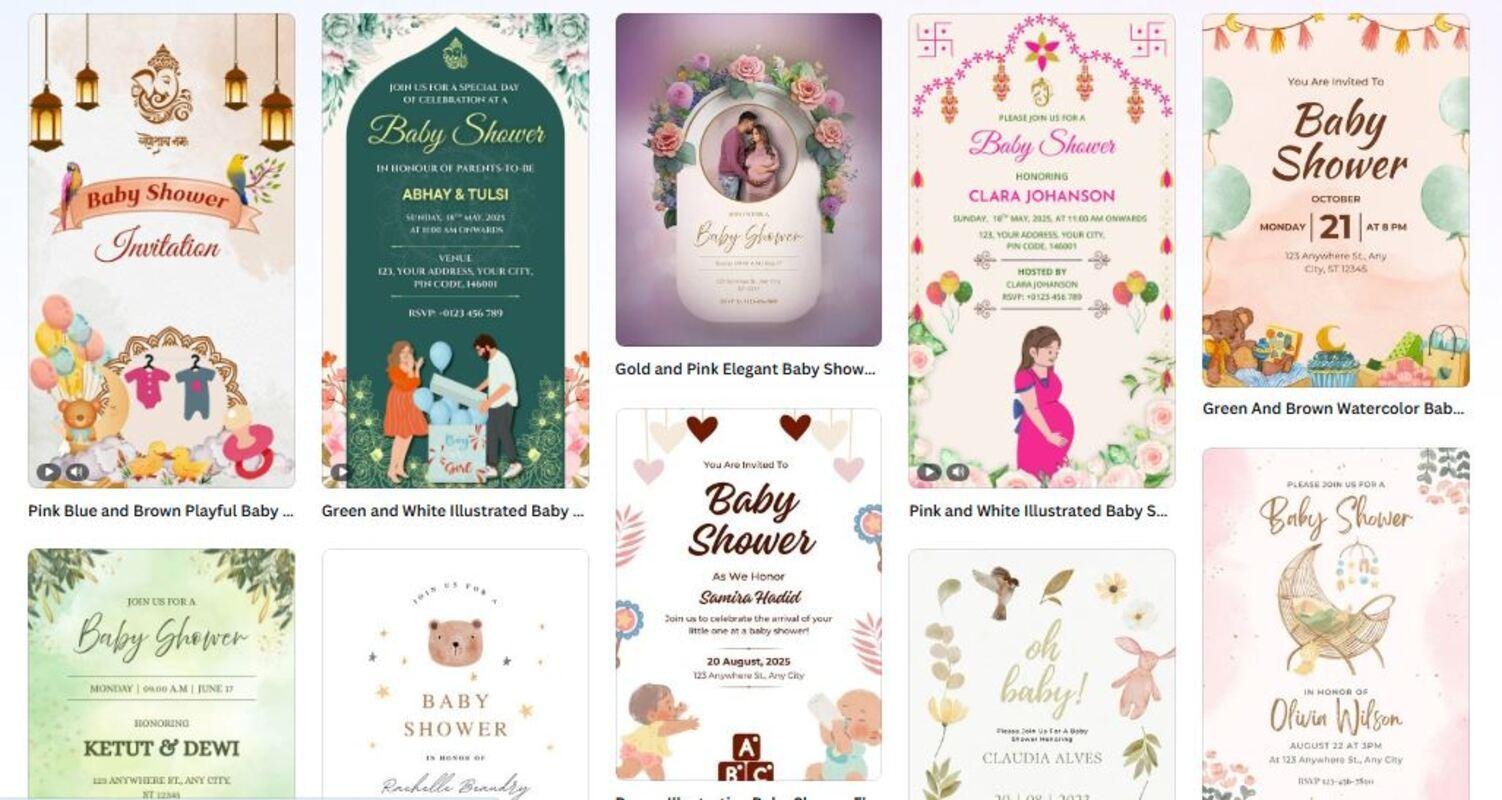
Image via Canva
Even if you can’t find the exact colors you picked in step one, you can easily change the template palette. You can also customize it by changing the wording and swapping out any images or icons you don’t like. Don’t overhaul everything at once. Small changes often make the biggest difference.
Working with pre-made templates helps you design baby shower invitations fast. Ensure the templates you choose are customizable.
4. Follow Basic Design Rules
You don’t need to learn design theory, but following a few simple rules will improve your results when you design baby shower invitations. For starters, stick to one or two fonts. Too many fonts can make an invitation feel messy and hard to read.
Also, make sure the important details stand out. Guests should be able to read the event title, date, and time at a glance.
Try to keep things simple. Simple designs usually come out more elegant and intentional than those with plenty of details. Here’s an example:
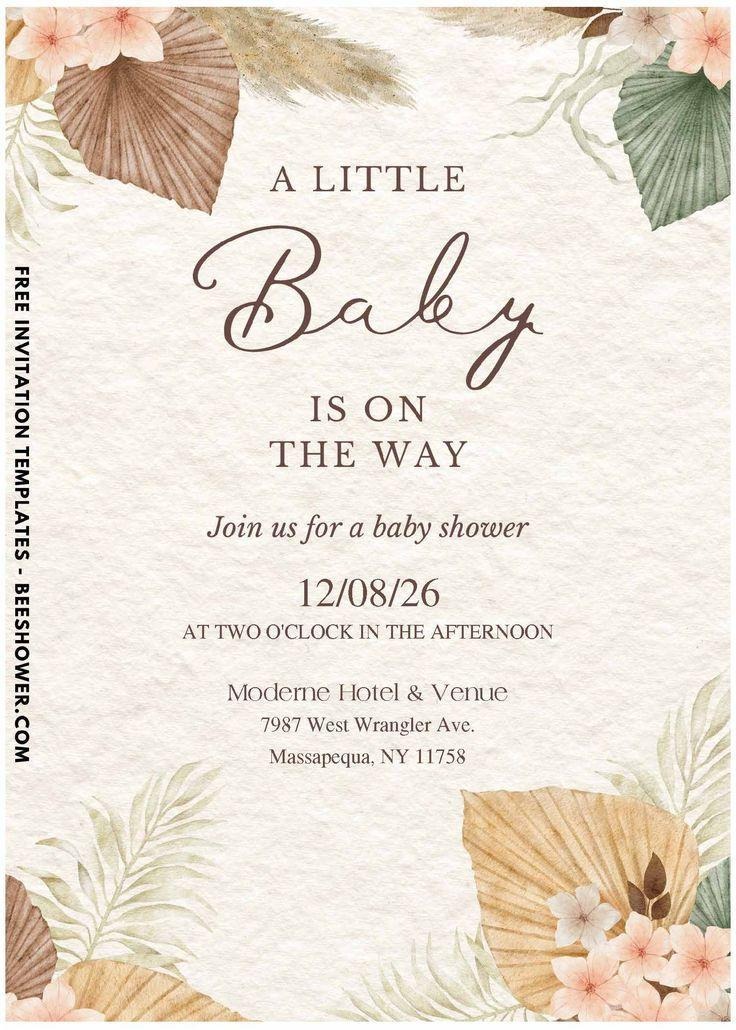
Image via Pinterest
To get a professional design, ensure readability and visual balance by limiting your font choices and highlighting the most essential party details.
5. Double-Check the Details
Before you finalize anything, take a moment to carefully review your invitation. When you design baby shower invitations yourself, you’re also responsible for making sure everything is accurate.
There’s nothing more frustrating than printing 50 invites only to realize you wrote “Saturday” or forgot the house number. Read through the text slowly, run it through AI editing tools, then have a friend check it.
It helps to step away for a few minutes and come back with fresh eyes, or even ask someone else to look over your design. Catching a small mistake now can save you from having to redo everything later.
6. Print or Share
Once everything looks right, it’s time to decide how you’ll send your invitation. Digital invitations are the most budget-friendly option, as you can share them via email or a message app. Printed invitations are traditional and special, especially for older guests.
Most design tools let you download your invitation in the right format for either option. If you’re printing, a test print ensures the colors and text appear the way you expect.
Once you design baby shower invitations, download and share them digitally. You can also order high-quality prints for a professional look.
Conclusion
Baby showers are meant to be joyful, not stressful or expensive. While costs can add up quickly, you can save money on invitations without cutting corners. When you design baby shower invitations yourself, you get something personal, stylish, and budget-friendly.
Go ahead and follow the steps I’ve shared with you. Choose a theme and a design tool you’re comfortable with. Start with a template and keep your design simple. Take it one step at a time, trust the process, and remember: you’re more capable than you think.
FAQ
1. What can I use to design baby shower invitations?
Here are some tools you can use to design baby shower invitations:
- Adobe Express
- Canva
- DocHipo
These platforms offer templates and easy customization without design experience.
2. How should a baby shower invitation look?
A baby shower invitation should align with the shower’s theme and include essential details, such as who, when, where, and RSVP. You should also use soft colors, readable fonts, and simple visuals.
3. How to design baby shower invitations?
Follow these steps to design baby shower invitations:
- Choose a design tool
- Select a pre-made template
- Customize the text and colors
- Add images or icons
- Review your design
- Export for printing or download as a shareable file


