Windows 11 KB5077181 Update Triggers Boot Loops

Share via:

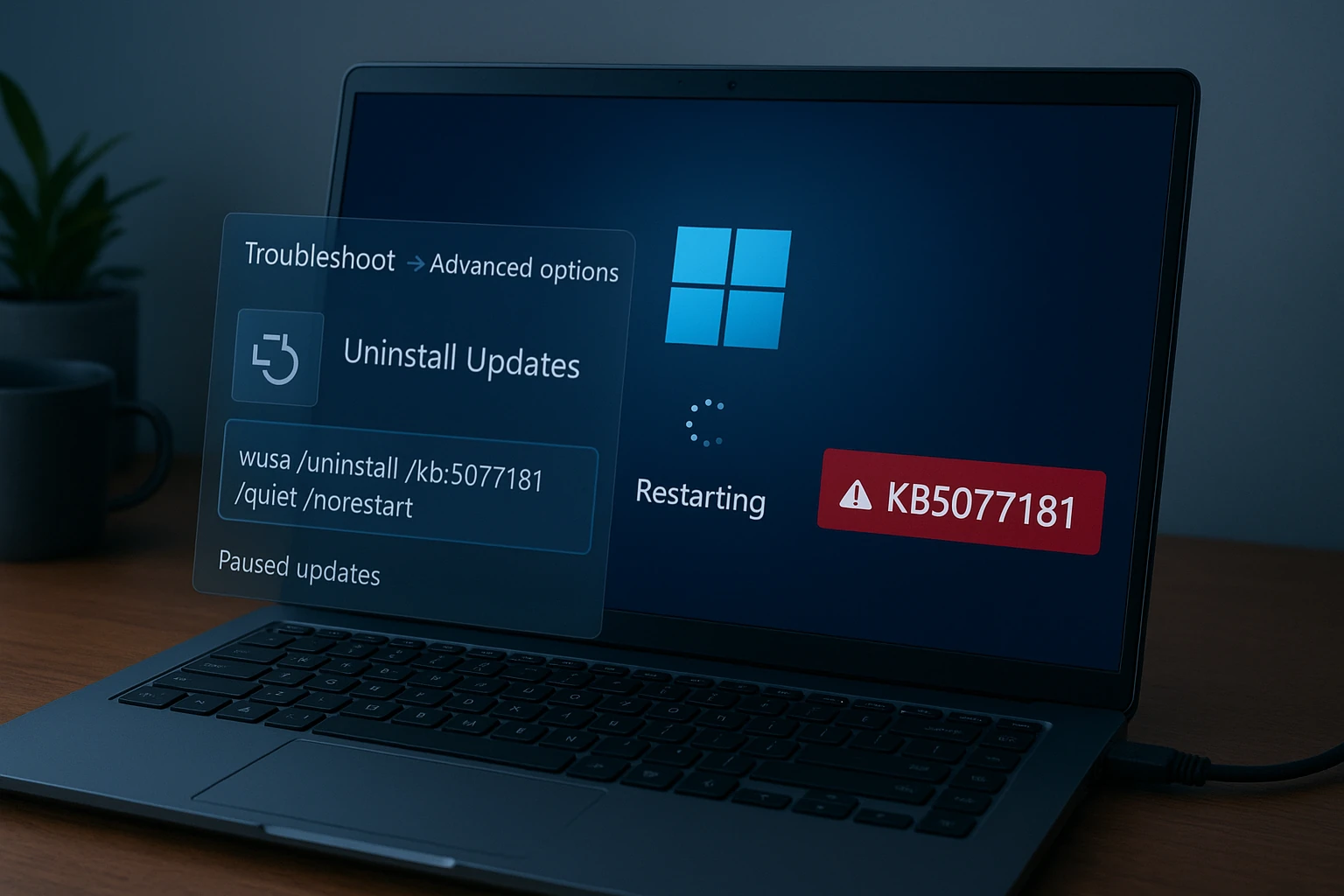
Microsoft’s Windows 11 update KB5077181 is reportedly causing boot loops for some users, preventing systems from loading properly after installation.

A recent Windows 11 cumulative update, KB5077181, is reportedly triggering critical boot loops on certain systems, leaving affected users unable to start their PCs normally.

The issue, surfacing shortly after the update’s rollout, underscores the persistent risks associated with large-scale operating system patches.

What is happening

Users report that after installing KB5077181, their systems repeatedly restart during boot, failing to reach the desktop environment. In some cases, devices enter automatic repair mode without successfully resolving the issue.

While Microsoft has not publicly detailed the scope of the problem, early reports suggest the bug may affect specific hardware configurations or driver setups rather than all Windows 11 installations.

Enterprise impact

For enterprise IT teams, update-related boot failures are more than an inconvenience. They can disrupt:

  • Remote workforce productivity
  • Business continuity planning
  • Patch deployment schedules

Organizations often stagger Windows updates precisely to avoid widespread disruption. Incidents like this reinforce why many enterprises delay cumulative patches until broader stability feedback emerges.

A recurring update dilemma
Windows updates balance security and stability. Delaying patches can expose systems to vulnerabilities, but rapid deployment carries operational risk.

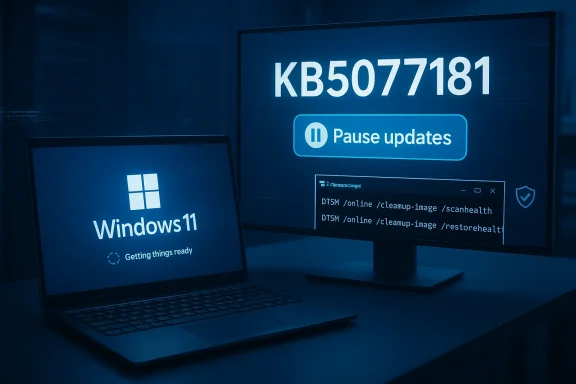
Cumulative updates such as KB5077181 typically bundle security fixes and feature adjustments. When one element fails, rollback procedures become critical.

Affected users may need to:

  • Boot into Safe Mode
  • Uninstall the update manually
  • Use recovery media

However, recovery options vary depending on system configuration.

Reputation and reliability

Microsoft has made stability a central messaging point in recent Windows 11 cycles. High-profile update failures, even if limited in scope, can erode user confidence.

Operating systems now underpin remote work, cloud workflows, and AI-enabled applications. Reliability expectations are higher than ever.

If confirmed broadly, KB5077181’s issues may prompt Microsoft to release a corrective patch or temporarily pause distribution.

For now, the episode serves as a reminder: even routine updates can carry outsized risk in modern computing environments.

Disclaimer

We strive to uphold the highest ethical standards in all of our reporting and coverage. We StartupNews.fyi want to be transparent with our readers about any potential conflicts of interest that may arise in our work. It’s possible that some of the investors we feature may have connections to other businesses, including competitors or companies we write about. However, we want to assure our readers that this will not have any impact on the integrity or impartiality of our reporting. We are committed to delivering accurate, unbiased news and information to our audience, and we will continue to uphold our ethics and principles in all of our work. Thank you for your trust and support.

Sreejit
Sreejit Kumar is a media and communications professional with over two years of experience across digital publishing, social media marketing, and content management. With a background in journalism and advertising, he focuses on crafting and managing multi-platform news content that drives audience engagement and measurable growth.

Popular

More Like this

Windows 11 KB5077181 Update Triggers Boot Loops

Microsoft’s Windows 11 update KB5077181 is reportedly causing boot loops for some users, preventing systems from loading properly after installation.

A recent Windows 11 cumulative update, KB5077181, is reportedly triggering critical boot loops on certain systems, leaving affected users unable to start their PCs normally.

The issue, surfacing shortly after the update’s rollout, underscores the persistent risks associated with large-scale operating system patches.

What is happening

Users report that after installing KB5077181, their systems repeatedly restart during boot, failing to reach the desktop environment. In some cases, devices enter automatic repair mode without successfully resolving the issue.

While Microsoft has not publicly detailed the scope of the problem, early reports suggest the bug may affect specific hardware configurations or driver setups rather than all Windows 11 installations.

Enterprise impact

For enterprise IT teams, update-related boot failures are more than an inconvenience. They can disrupt:

  • Remote workforce productivity
  • Business continuity planning
  • Patch deployment schedules

Organizations often stagger Windows updates precisely to avoid widespread disruption. Incidents like this reinforce why many enterprises delay cumulative patches until broader stability feedback emerges.

A recurring update dilemma

Windows updates balance security and stability. Delaying patches can expose systems to vulnerabilities, but rapid deployment carries operational risk.

Cumulative updates such as KB5077181 typically bundle security fixes and feature adjustments. When one element fails, rollback procedures become critical.

Affected users may need to:

  • Boot into Safe Mode
  • Uninstall the update manually
  • Use recovery media

However, recovery options vary depending on system configuration.

Reputation and reliability

Microsoft has made stability a central messaging point in recent Windows 11 cycles. High-profile update failures, even if limited in scope, can erode user confidence.

Operating systems now underpin remote work, cloud workflows, and AI-enabled applications. Reliability expectations are higher than ever.

If confirmed broadly, KB5077181’s issues may prompt Microsoft to release a corrective patch or temporarily pause distribution.

For now, the episode serves as a reminder: even routine updates can carry outsized risk in modern computing environments.

Disclaimer

We strive to uphold the highest ethical standards in all of our reporting and coverage. We StartupNews.fyi want to be transparent with our readers about any potential conflicts of interest that may arise in our work. It’s possible that some of the investors we feature may have connections to other businesses, including competitors or companies we write about. However, we want to assure our readers that this will not have any impact on the integrity or impartiality of our reporting. We are committed to delivering accurate, unbiased news and information to our audience, and we will continue to uphold our ethics and principles in all of our work. Thank you for your trust and support.

Website Upgradation is going on for any glitch kindly connect at office@startupnews.fyi

Sreejit
Sreejit Kumar is a media and communications professional with over two years of experience across digital publishing, social media marketing, and content management. With a background in journalism and advertising, he focuses on crafting and managing multi-platform news content that drives audience engagement and measurable growth.

More like this

Apple announces special NYC event for March 4

Apple has announced a special event for next...

Inc42 And Oracle Host Tech Leaders To Discuss AI...

SUMMARY Inc42 and Oracle convened CTOs and tech leaders...

Rathi Steel And Power Delivers Strong Q3 FY26 Performance;...

New Delhi , February 16: Rathi Steel And...

Popular

iptv iptv iptv iptv iptv iptv iptv iptv iptv iptv iptv iptv iptv iptv iptv iptv iptv iptv iptv iptv iptv iptv iptv iptv melhor iptv portugal lista melhor iptv portugal lista melhor iptv portugal lista melhor iptv portugal lista melhor iptv portugal lista melhor iptv portugal lista melhor iptv portugal lista melhor iptv portugal lista melhor iptv portugal lista melhor iptv portugal lista melhor iptv portugal lista melhor iptv portugal lista melhor iptv portugal lista melhor iptv portugal lista melhor iptv portugal lista melhor iptv portugal lista melhor iptv portugal lista melhor iptv portugal lista melhor iptv portugal lista melhor iptv portugal lista melhor iptv portugal lista melhor iptv portugal lista melhor iptv portugal lista melhor iptv portugal lista melhor iptv portugal lista melhor iptv portugal lista melhor iptv portugal lista melhor iptv portugal lista melhor iptv portugal lista melhor iptv portugal lista melhor iptv portugal lista melhor iptv portugal lista melhor iptv portugal lista melhor iptv portugal lista melhor iptv portugal lista melhor iptv portugal lista melhor iptv portugal lista melhor iptv portugal lista melhor iptv portugal lista melhor iptv portugal lista melhor iptv portugal lista melhor iptv portugal lista melhor iptv portugal lista melhor iptv portugal lista melhor iptv portugal lista melhor iptv portugal lista melhor iptv portugal lista melhor iptv portugal lista melhor iptv portugal lista melhor iptv portugal lista melhor iptv portugal lista melhor iptv portugal lista melhor iptv portugal lista melhor iptv portugal lista melhor iptv portugal lista melhor iptv portugal lista melhor iptv portugal lista melhor iptv portugal lista melhor iptv portugal lista melhor iptv portugal lista melhor iptv portugal lista melhor iptv portugal lista melhor iptv portugal lista melhor iptv portugal lista melhor iptv portugal lista melhor iptv portugal lista best iptv best iptv best iptv best iptv best iptv best iptv best iptv best iptv best iptv best iptv best iptv best iptv best iptv best iptv best iptv best iptv best iptv best iptv best iptv best iptv best iptv best iptv best iptv best iptv best iptv best iptv best iptv best iptv best iptv best iptv best iptv best iptv best iptv best iptv best iptv best iptv best iptv best iptv best iptv best iptv best iptv best iptv best iptv best iptv best iptv best iptv best iptv best iptv best iptv best iptv best iptv best iptv best iptv best iptv best iptv best iptv best iptv best iptv best iptv best iptv best iptv best iptv best iptv best iptv best iptv best iptv best iptv best iptv best iptv best iptv best iptv best iptv best iptv best iptv best iptv best iptv best iptv best iptv best iptv best iptv best iptv best iptv best iptv best iptv best iptv best iptv best iptv best iptv best iptv best iptv best iptv best iptv best iptv best iptv best iptv best iptv best iptv best iptv best iptv best iptv best iptv best iptv best iptv best iptv best iptv best iptv best iptv best iptv best iptv best iptv best iptv best iptv best iptv best iptv best iptv best iptv best iptv best iptv best iptv best iptv best iptv best iptv best iptv best iptv best iptv best iptv best iptv best iptv best iptv best iptv best iptv best iptv best iptv best iptv best iptv best iptv best iptv best iptv best iptv best iptv best iptv best iptv best iptv best iptv best iptv best iptv best iptv best iptv best iptv best iptv best iptv best iptv best iptv best iptv best iptv best iptv best iptv best iptv best iptv best iptv best iptv best iptv best iptv best iptv best iptv best iptv best iptv best iptv best iptv best iptv best iptv best iptv best iptv best iptv best iptv best iptv best iptv best iptv best iptv best iptv best iptv best iptv best iptv best iptv best iptv best iptv best iptv best iptv best iptv best iptv best iptv best iptv best iptv best iptv best iptv best iptv best iptv best iptv best iptv iptv iptv iptv iptv iptv iptv iptv iptv iptv iptv iptv iptv iptv portugal iptv portugal iptv portugal iptv portugal iptv portugal iptv portugal iptv portugal iptv portugal iptv portugal iptv portugal iptv portugal iptv portugal iptv iptv iptv iptv iptv iptv iptv iptv iptv iptv iptv iptv
